💡 Tip: The following article data is for reference only. Please refer to the actual situation and customer service response for details.
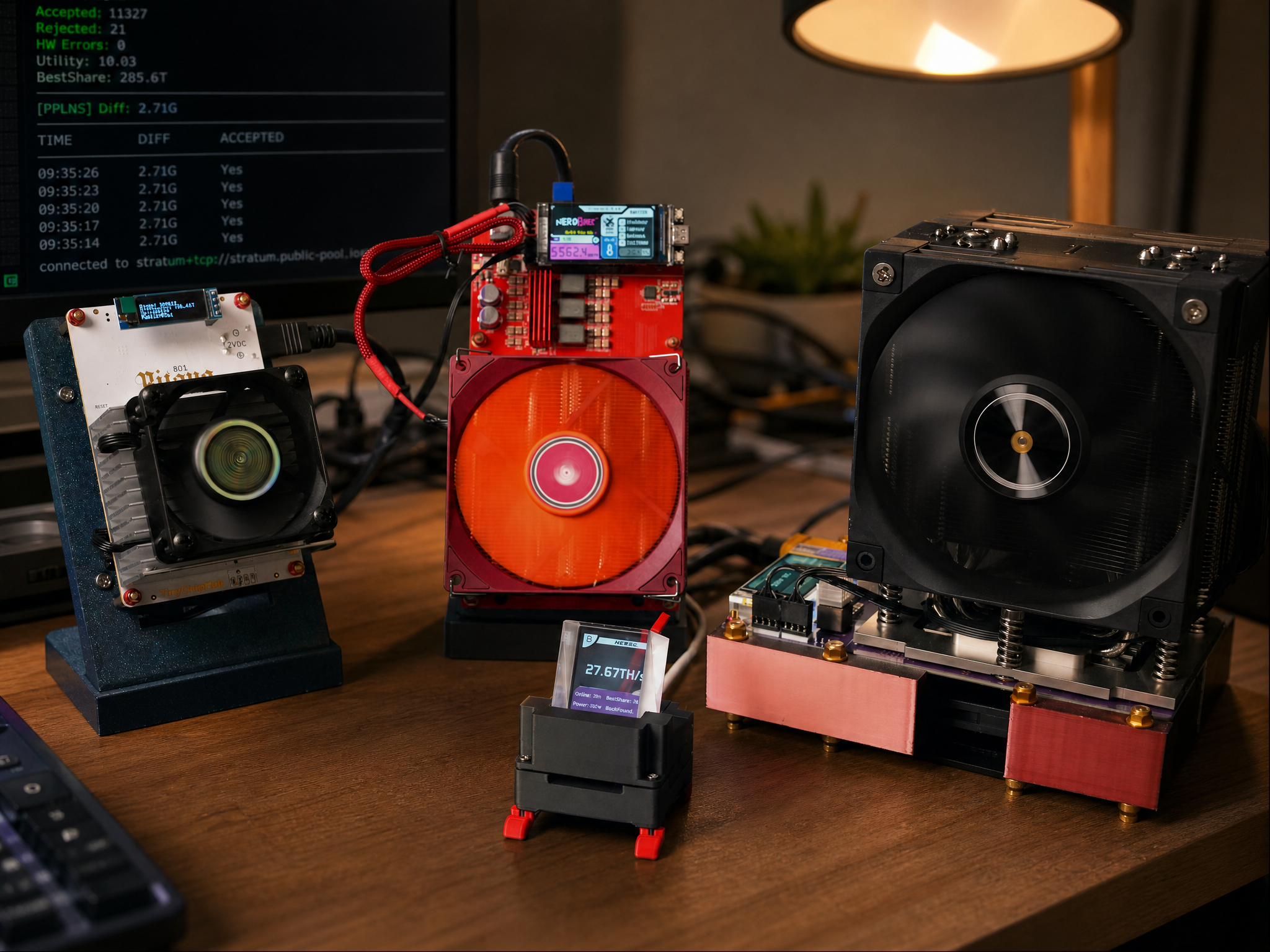
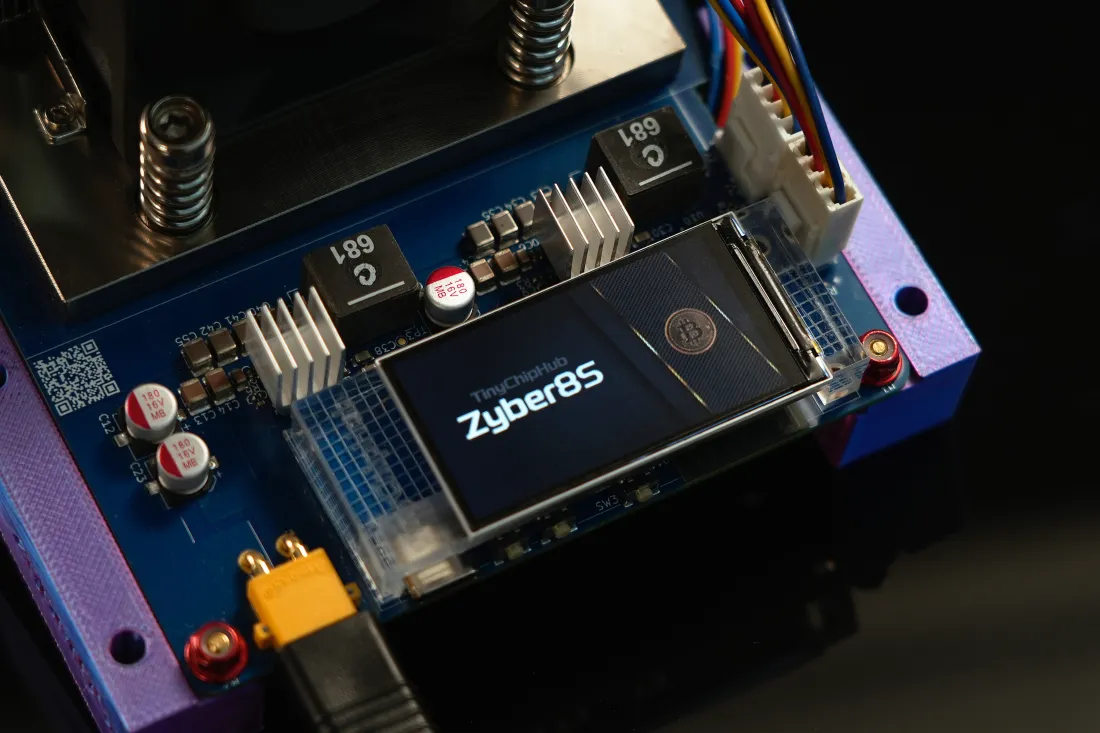
TinyChipHub WatchDog is an external TFT-LCD display module specifically designed for small miners. The WatchDog can aggregate all key metrics of miners running mainstream systems like Axe OS, Nerd OS, and Zyber OS (total hashrate, total power consumption, number of active miners, etc.) and display them on an independent dedicated screen. This allows you to monitor your miner's status without turning on your computer. Just plug it in, and it works immediately—no need to hassle with web backends.
BM1373 chip? Nexus & Zyber Blanc
The BM1373 chip is a 3nm mining chip launched by Bitmain, with a hashrate of approximately 1.4 TH/s per chip, targeting low-power home scenarios. Ever since the BM1373 chip was introduced, the small miner community has exploded with excitement🔥. In the past, solo Bitcoin miners using the BM1370 chip had an energy efficiency ratio generally above 15-20 J/TH. After switching to the BM1373 chip, the overall energy efficiency of the machine at the same hashrate has been forcefully driven down to the 8-10 J/TH range. This number represents a revolutionary upgrade for desktop-level devices.
A new wave of home miners has emerged based on this chip, most notably the recently teased BM1373 chip miners—the most popular being these two: Nexus S1 Miner and Zyber Blanc.
Many beginners mistakenly think the Nexus S1 Miner and Zyber Blanc are just different shells. That couldn't be further from the truth. The Nexus S1 Miner is still highly uncertain as it was only recently released and requires extensive review videos from KOLs!
However, what is certain is that the Zyber Blanc is independently developed by TinyChipHub. This product features an ultra-compact 100×50×50mm full metal casing with a high hashrate of 2.5 TH/s, ultra-low power consumption of 20W, and an energy efficiency of 8–10 J/TH (reducing costs by about 33% compared to first-generation products using the BM1370 chip). It utilizes an optimized 5V-6A lab-grade power supply. We can confidently stand by these basic specifications. You can also refer to the links below for an introduction to the BM1373 chip and a brief overview of the Zyber Blanc.
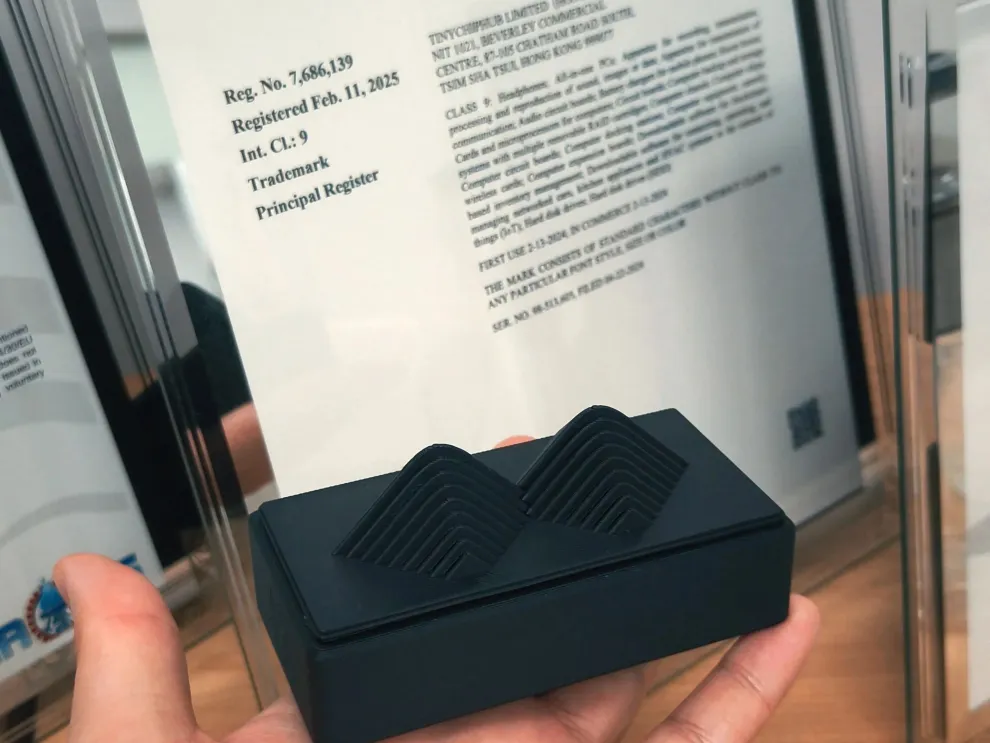
🔥Differences Between Nexus Miner and Zyber Blanc
- Software and Hardware: The Nexus S1 Miner targets geeky DIY enthusiasts, referencing the open-source model of the Nerdqaxe++ Miner. In contrast, the Zyber Blanc is a fully self-developed hardware and software solution by TinyChipHub, focusing on a plug-and-play experience.
- Number of Chips: The Nexus S1 Miner uses 4 chips, whereas the Zyber Blanc is a truly new single-core miner designed entirely by TinyChipHub!
- Appearance: The Nexus S1 Miner adopts the basic model of the Nerdqaxe++ Miner, while the Zyber Blanc features an independently designed exterior by the TCH team—screenless and more minimalist!
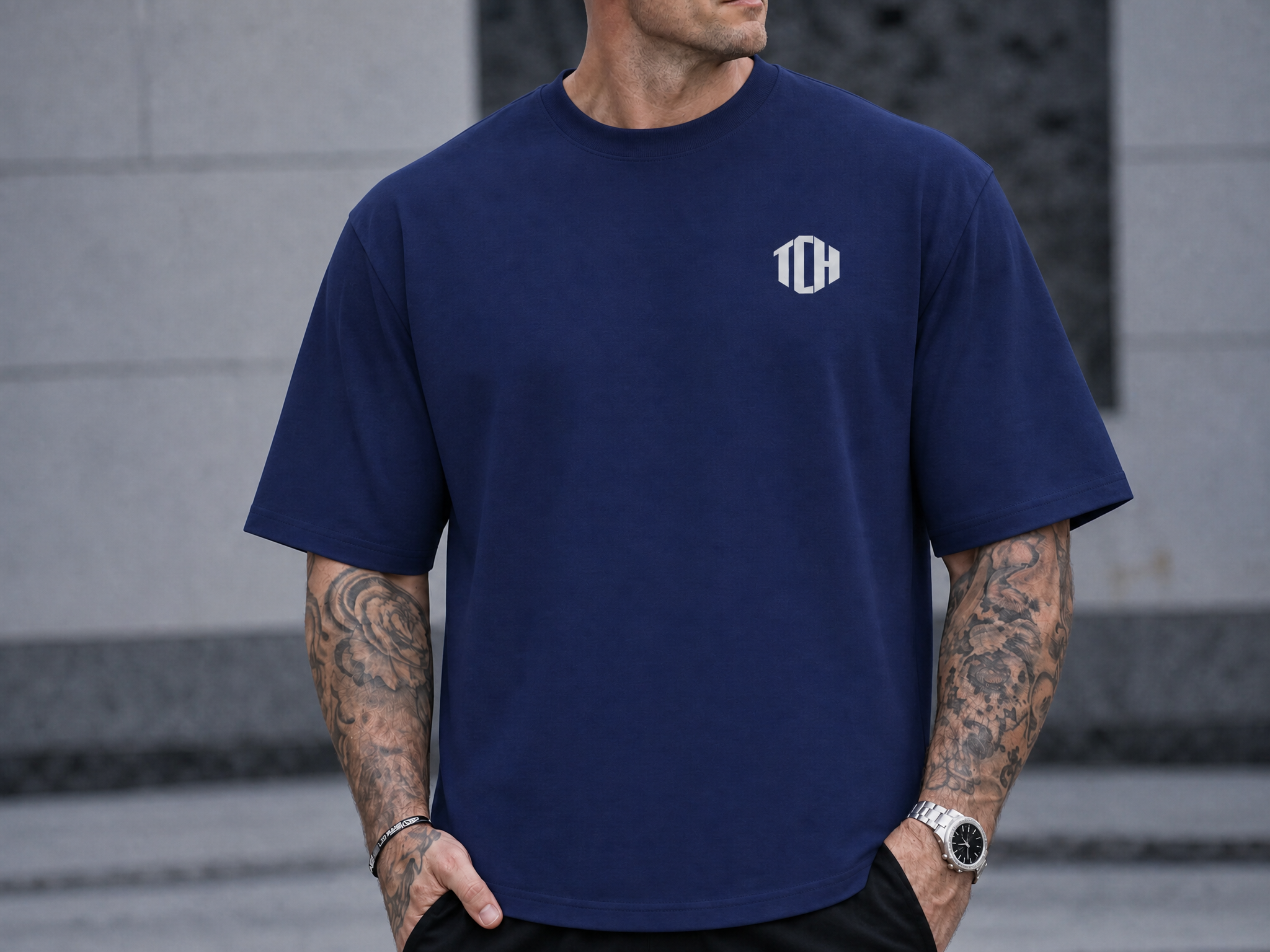
TinyChipHub is committed to continuously improving DIY Solo Miners, but we will also be launching a variety of TCH merchandise during this period, such as the TCH Dark Blue T-shirt and the Solo Miner LCD WatchDog.
You might be wondering, what exactly is the Solo Miner LCD WatchDog? That is the main theme of this article, and it has already been answered at the beginning!
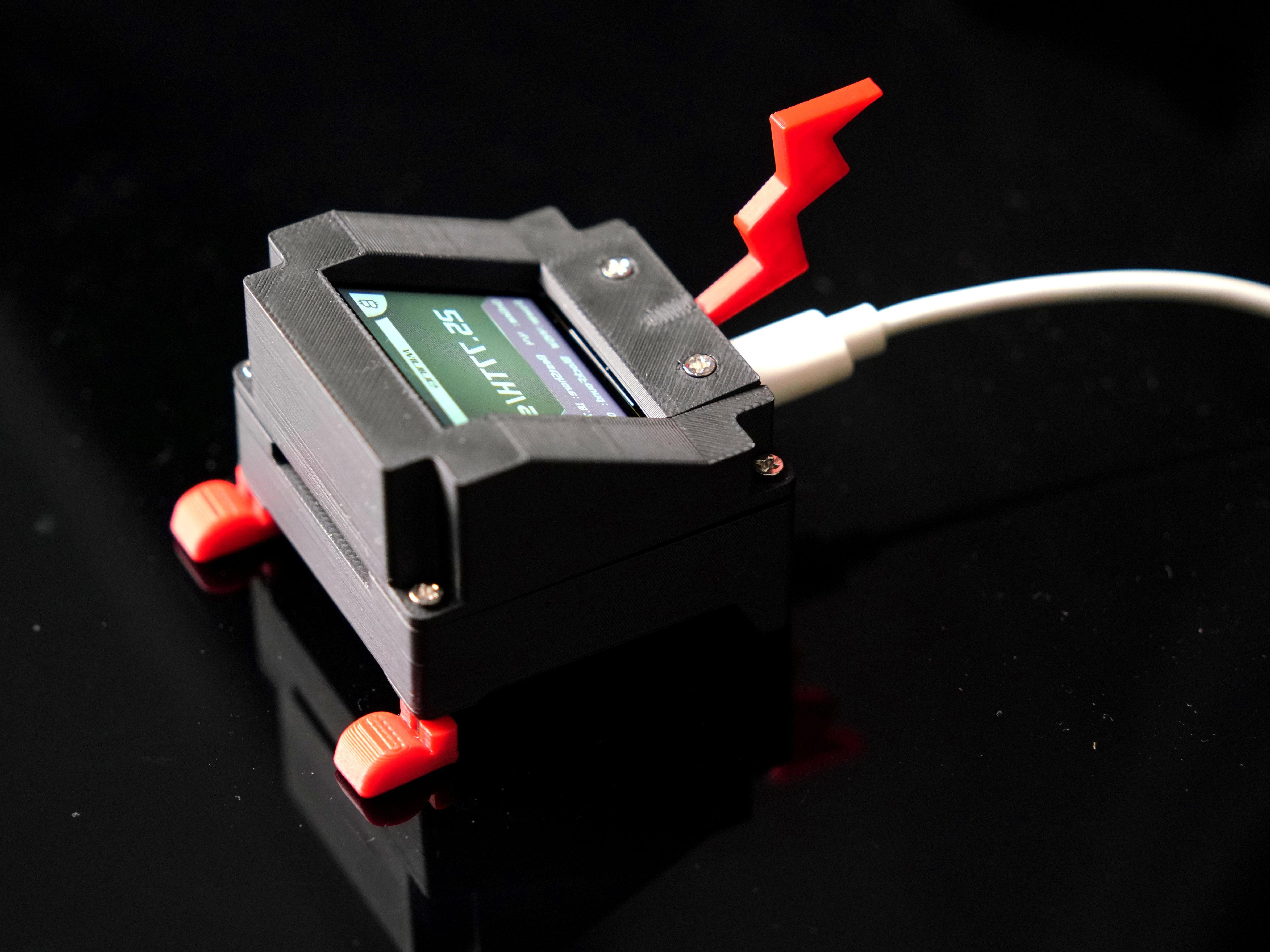
The TinyChipHub WatchDog is a revolutionary external TFT-LCD designed for modern miners. Our positioning for it is a multi-system compatible, continuously updated master display monitor—this is only Version 1. Its primary function is to present critical mining data directly in your line of sight, eliminating the need to frequently switch windows or clutter your main screen. With its stunning "floating display" effect and real-time insights, it allows you to effortlessly take full control of your mining operations.
What is TFT-LCD?
TFT-LCD stands for Thin-Film Transistor Liquid Crystal Display. It is a type of liquid crystal display that uses thin-film transistor technology to improve image quality. TFT-LCD screens offer advantages such as small size, light weight, low radiation, low power consumption, and full color. They are widely used in various display devices, such as digital devices, televisions, flat-panel displays, and projectors.
TFT-LCD Structure & Principles
- Simply put, a TFT-LCD panel can be seen as two glass substrates sandwiching a layer of liquid crystal. The upper glass substrate is the Color Filter, while the lower glass has transistors embedded onto it.
- When an electric current passes through the transistor, it creates an electric field change, causing the liquid crystal molecules to deflect. This changes the polarization of light, and combined with polarizers, determines the brightness or darkness of a pixel. Additionally, because the upper glass is laminated with a color filter, each pixel contains red, blue, and green sub-pixels. These glowing RGB pixels collectively form the video images on the panel.
- Thin-Film Transistor Liquid Crystal Display Technology is a clever combination of microelectronics and LCD technology. It involves transferring the microelectronic fine-processing technology used on single crystals to the processing of Thin-Film Transistor (TFT) arrays on large-area glass. This array substrate is then combined with another substrate containing a color filter film. Utilizing mature LCD technology, a liquid crystal cell is formed, followed by post-processing steps like polarizer lamination, ultimately creating the liquid crystal display device.
In the mining community, people often ask, "What's the use of a screen?" Essentially, TFT-LCD means each pixel is driven by an independent thin-film transistor, preventing severe motion blur common in older TN panels. It sounds a bit like pairing Zyber Blanc's screenless design with the WatchDog acting as an external monitor. Wouldn't it be better to just integrate a superior screen directly into the Zyber Blanc instead of having them separate? Obviously, this understanding is incorrect ❌️. Why do we say this?
1. Under the Stratum V2 protocol, communication between the miner and the pool is encrypted. For a web backend to pull real-time data, it must be within the same local area network (LAN). However, if your miner is in another room, the basement, or inside a server rack, checking the data every time requires booting up a laptop and accessing the backend, which is highly inefficient.
2. The existence of the TFT-LCD WatchDog is precisely to downgrade the "real-time monitoring" requirement from "needing a PC" to "visible at a glance." Simply put: TFT-LCD isn't just "good-looking," it's "practical enough"—placing the real-time data you need most right in your line of sight without consuming extra power. This is especially true for easing beginners' anxiety; that is where its true value lies.
Moreover, based on regular user feedback, the TinyChipHub team will ensure compatibility with new systems and continuously add new features through our functional upgrade roadmap.
Multi-OS Miner LCD: WatchDog
The WatchDog is an external TFT-LCD display module launched by TinyChipHub for home/desktop miners. Its core selling points are: Multi-OS support + Data Visualization. 🔥 The vast majority of miner LCD accessories on the market only support one firmware ecosystem; if you switch miners, they become useless e-waste. WatchDog brings the three major mainstream backends—AxeOS, Nerd OS, and Zyber OS—under its support umbrella simultaneously. One screen rules them all.
The WatchDog is different from home miners like Zyber 8G Premium; it is an independent multi-system miner monitor separate from the ASIC Miner hardware itself. It uses a 30x30x30 mm cubic beam splitter prism. By utilizing the unique refractive properties of the prism, it creates a stunning "3D floating display" effect, making the image appear as if it's suspended in mid-air. It provides a clear viewing angle without direct glare, ensuring comfortable viewing even for extended periods.
Display contents include: Real-time hashrate (TH/s), power consumption (W), BestShare, Block Found(?), and more (continuously expanding...). One screen covers it all.
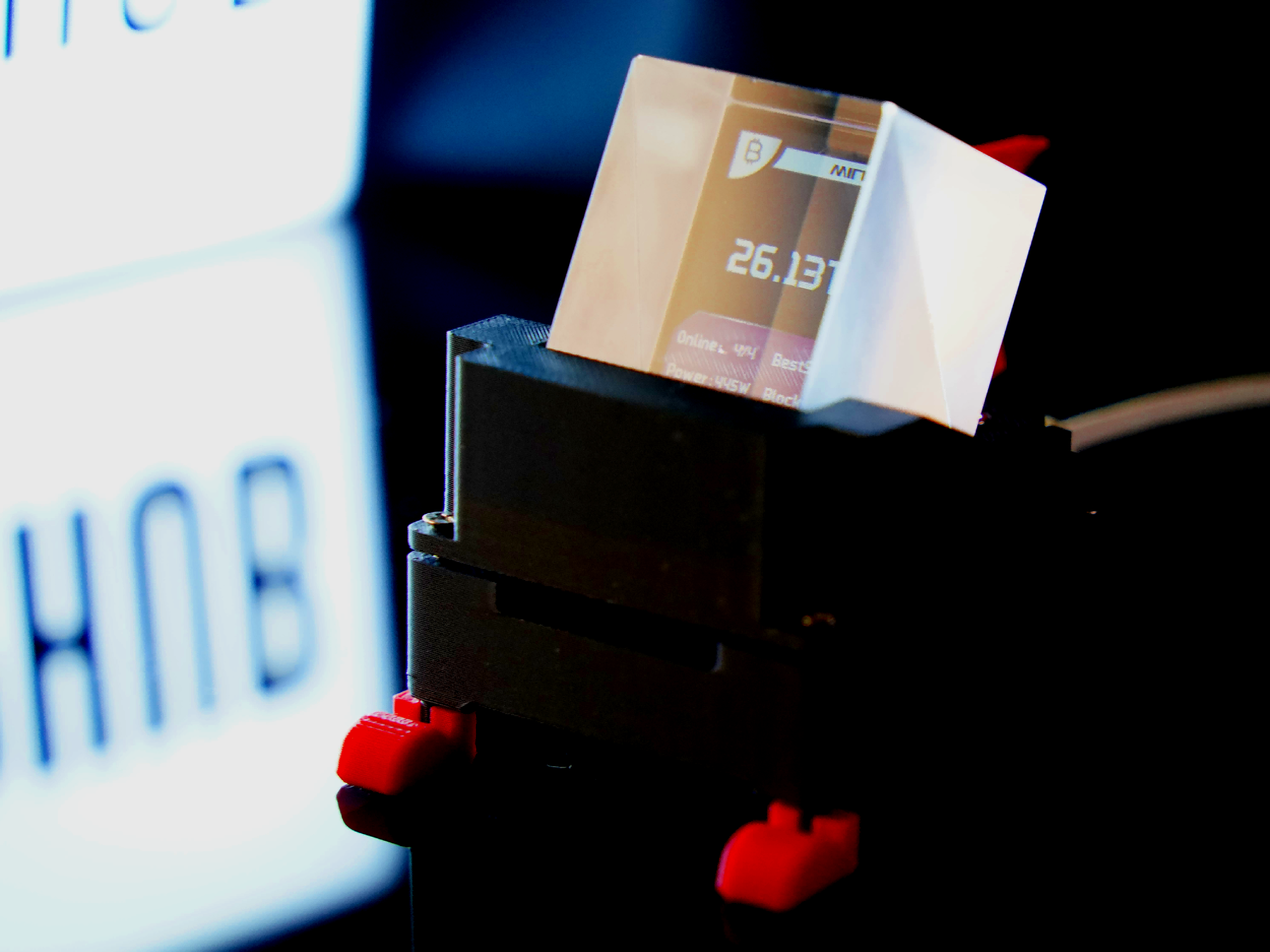
The WatchDog's firmware is maintained by TinyChipHub and the latest version can be found in the GitHub code repository. Comparing it to competitors, other products usually only offer monochrome OLED screens with a maximum information density of 4 lines of text and zero support for graphical elements. In contrast, WatchDog utilizes a TFT color screen capable of graphical rendering—at least for its first version.
According to Proof Of Mike's 2026 preliminary analysis of the Zyber Blanc and WatchDog, this is still a pre-release version of the mining software. Specifications, product images, and firmware are subject to change. Actual performance may vary from advertised data. Whether it's the Zyber Blanc or the WatchDog, both are currently only at Version 1. The TinyChipHub team will make gradual improvements based on future needs.
WatchDog Application Scenarios
To truly understand the WatchDog's value, you have to look at specific usage scenarios. ❓ Saying "real-time monitoring" is too abstract. Let me give you a practical scenario description to see exactly what problems it solves.
Imagine having 3-4 Nerdqaxe++ Miners running side-by-side on your desk. Each has its own IP address, and checking their status means switching between 4 browser tabs every time. By connecting a WatchDog to each machine, you can see the total hashrate of all four units at a glance. If one unit goes down, you'll know instantly. This is the typical setup—boosting both desktop tidiness and monitoring efficiency.
| Scenario | Core Need | WatchDog Value Proposition | Alternative Solutions Comparison |
|---|---|---|---|
| Desktop Multi-Machine Setup | Check data without booting PC | Plug-and-play display, multi-dimensional data | Web Backend: Requires same LAN + a computer |
| Rack/Cabinet External Display | Intuitive visual status check | Independent screen, colorful UI, great visual effect | Remote SSH + Bare board without screen |
| Solo Mining Enthusiasts | Real-time block height tracking | Block status + hashrate displayed simultaneously | Other monitoring software: Data has inherent latency |
Many people initially think, "I can just check the webpage." But the real difference lies in the reaction speed when anomalies occur. Without the WatchDog, the usual flow is: "Notice earnings are off → Check the machine → Log into the backend to view logs." With the WatchDog, the moment a machine disconnects or the hashrate drops to zero, the screen immediately reflects the anomaly. You can diagnose which machine has an issue without even logging into the backend.
For a desktop mining farm, this transforms "reactive troubleshooting" into "immediate action," cutting diagnosis time from minutes down to seconds. The essence of the WatchDog is treating monitoring as a standalone hardware peripheral. It doesn't consume computer resources, doesn't rely on complex LAN configurations, and isn't affected by browser crashes. For small-scale home miners, this is currently the cheapest and most stable "visual operation and maintenance portal" available. Plug it in once, and save yourself the hassle forever.

1 comments