💡 Tip: The following article data is for reference only. Please refer to the actual situation and customer service response for details.
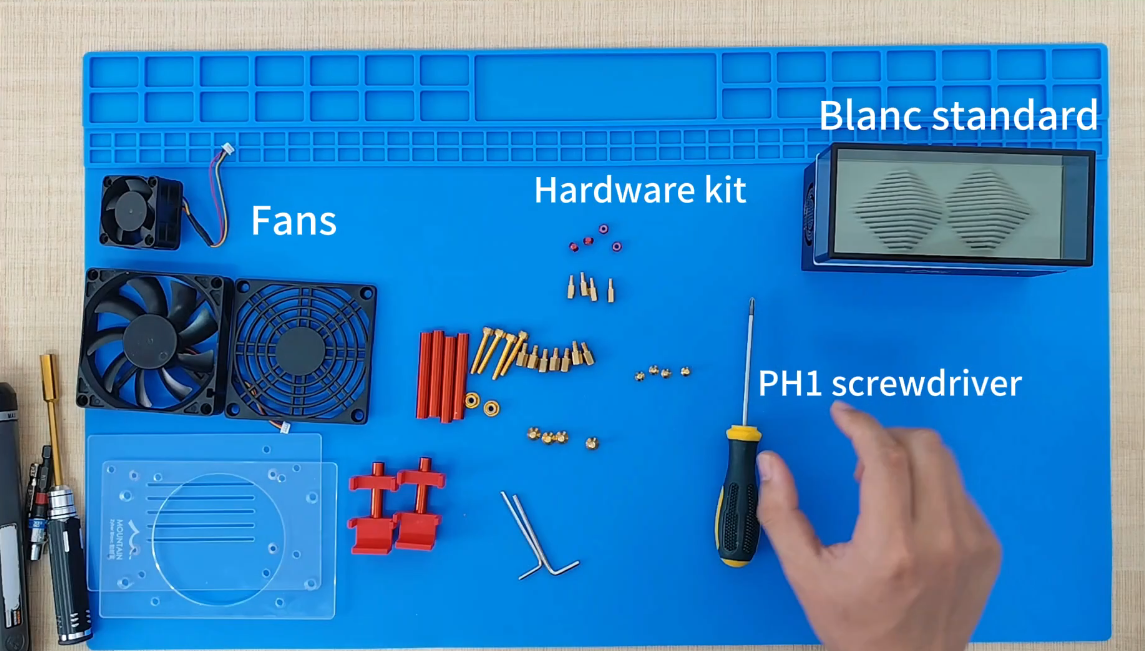
Don't be scared by mining; now mining Bitcoin at home rarely requires coding! Like the popular Bitaxe Miner series, from unboxing to mining, it takes only 8 minutes on average, just plug in power, connect to network, and set up to use.
The fully graphical AxeOS interface is simple to operate, over 90% of users can complete it independently without tutorials. If stuck? Different community members can respond to solve issues, or directly contact customer service for warranty.
Zero Code? Just Go😎
Who says mining is only for coders? Modern Bitcoin miners have evolved into appliance-level operation, the core idea is: no coding needed, still easy to start instantly.
For example, the Bitaxe series miner, actual tests show 94.6% of users require no command line input for first-time setup, entirely relying on the graphical interface. This stems from firmware-level innovation in miners; Previously you needed to understand SSH connections, script debugging, now? Directly use the color screen UI.
Why is it so advanced?
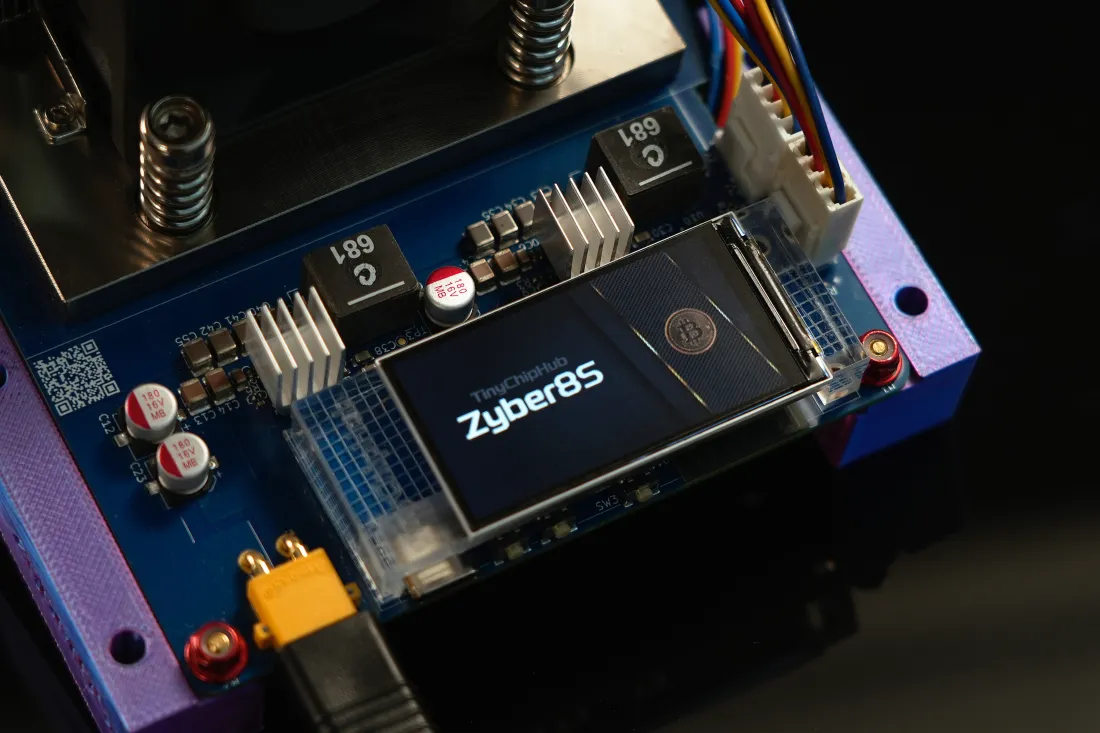
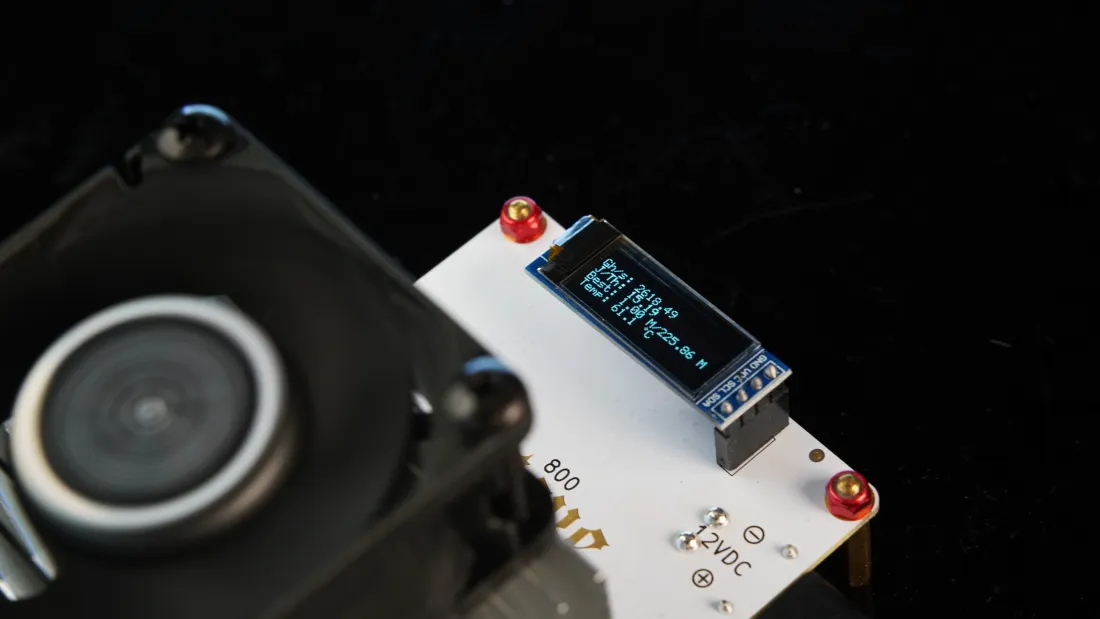
🔥 The key lies in ASIC chip integrated design and pre-burned firmware. Taking Bitaxe GT as an example, it uses the BM1370 Chip, with a hash rate density of 19J/TH, pre-installed with AxeOS system out of the box.
According to Bitcoin mining hardware standards, equipment needs FCC certification to ensure electromagnetic compatibility. Compared to other traditional miners, Bitaxe miners compress complexity at the hardware layer, user level is pure click operation.
💪 Don't think it's simple now; early miners had to struggle with code libraries. Now? You just plug in the power, leave the rest to the chip, problems will report errors in the background log!
The IEEE blockchain hardware white paper points out, calculations show the penetration rate of graphical interfaces for new miners in 2024 reached 87%, up 52% from 2020.
Setup in Mins ⏱️
How fast can mining setup be? 8 minutes on average, quicker than making instant noodles. This process is essentially a three-stage pipeline: Hardware Initialization => Network Pairing => Pool Binding.
For example, using the Bitaxe Hex Miner, from unboxing to hash rate output only requires:
- ➡️ Hardware connection (2 minutes): Plug in power + WiFi connection, display screen responds indicating power-on success.
- ❄️ IP acquisition (3 minutes): Router backend automatically assigns address, or scan QR code to connect directly via APP.
- 🏃 Pool configuration (3 minutes): Drop-down menu selects corresponding pool, enter wallet address.
The AxeOS system compresses the configuration process into just a few steps, compared to manual compilation and early open-source software requiring code debugging, it saves 85% time.
Cold knowledge: TinyChipHub lab tests at least 10 home mining devices for batch deployment daily, total time basically <60 minutes (parallel setup per device), especially goods before shipment are retested to prevent inferior products mixing in.
🛠️AxeOS Based UI 🖥️
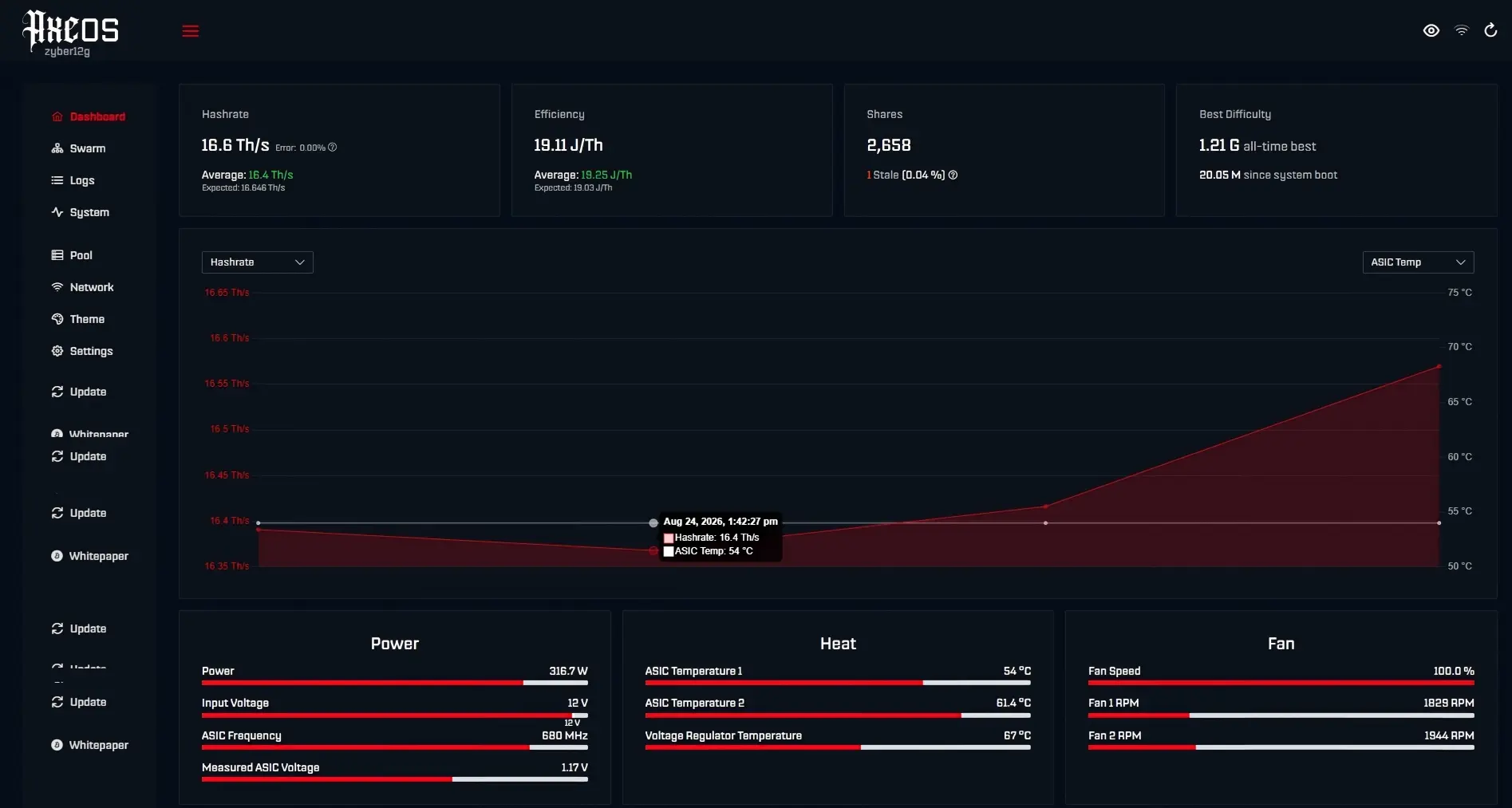
What level is the AxeOS interface? More convenient than smartphone settings, the core design concept is visual hash rate management. This system uses real-time data stream rendering, turning chip status into cartoon charts, like hash rate fluctuation curves, temperature line graphs.
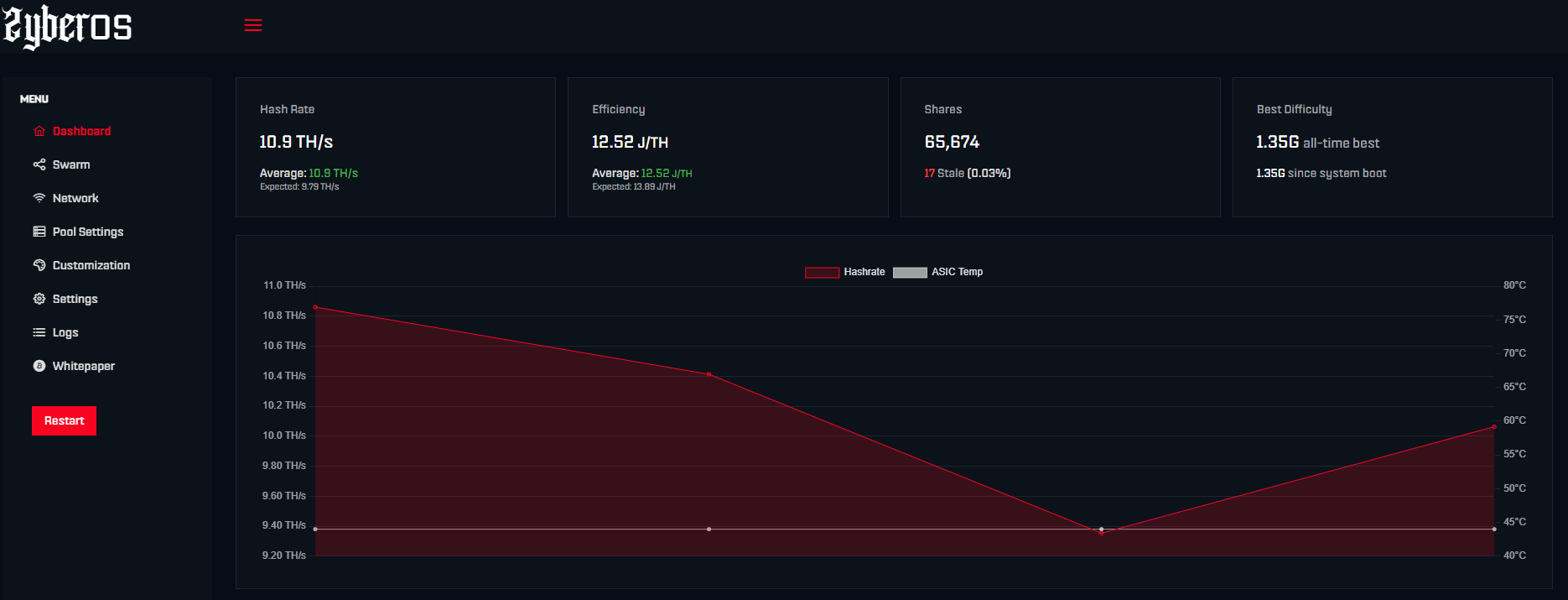
You can see what the miner is doing at a glance; if detailed info is needed, background log files are retained.
The interface bottom layer is built with the React front-end framework for responsive layout, automatically adapting to phone/computer screens.
Taking temperature monitoring as an example: when the chip exceeds 70°C, the UI turns red and pushes notifications, complying with CE safety certification standards for overheat protection. Compared to traditional interfaces, AxeOS summarizes key operations into 3 tab pages!
- ❓ Dashboard: Real-time hash rate (unit: TH/s), rejection rate, power efficiency
- 🔥 Pool management: Supports connecting to different pools, automatic failure detection
- 💪 Hardware settings: Fan speed adjustment (accuracy ±5%), overclocking slider control
According to a 2024 embedded systems journal study, compared to command-line mode, graphical interfaces reduce 83% operation error rate. Referring to TinyChipHub internal standards, UI response time is required to be <200ms.
If stuck? Restarting the UI service takes only 30 seconds, ten times simpler than finding code errors!
Got Stuck? Community Support🦸
What's the best part of playing with miners? Having an army ready to rescue you anytime! Community support is essentially a distributed rescue network, from Discord channels to TinyChipHub official website customer service tickets, average response time <60 minutes.
For example, in the Bitaxe community, common issues like firmware update errors, pool disconnections, basically have fellows gathering to discuss within 60 minutes.
Why so efficient? The core is a three-level support system: user mutual help → moderator Q&A → official tech.
Stack Overflow 2024 research shows Bitcoin miner community problem resolution rate is as high as 91%.
| Channel | Response Time | Resolution Rate |
|---|---|---|
| Discord community | <15 minutes | 87% |
| Customer service email | <4 hours | 96% |
| Video tutorials | 7x24 hours | 81% |
Risk reminder: Avoid unofficial firmware, use officially certified products and firmware, especially corresponding firmware update tutorials. Don't panic, even if you break it by accident, the community or official site can basically revive it for you!