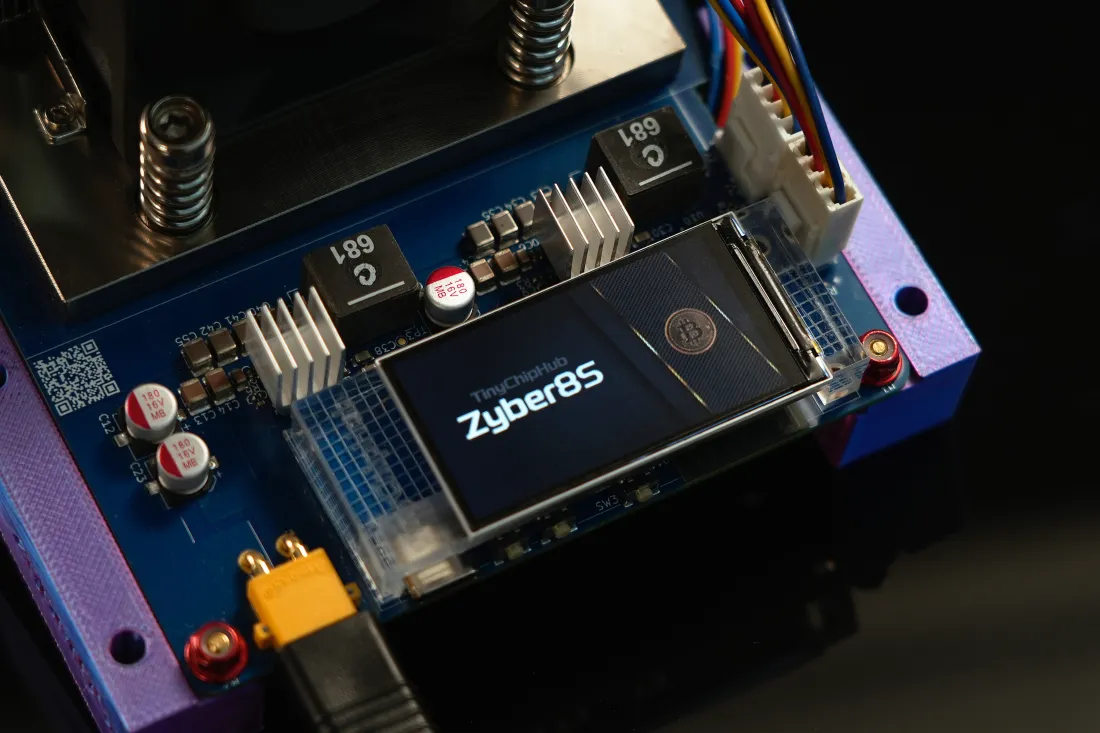
The core of securely using and storing Bitcoin is not to "hide" the coins, but to separately manage private keys, mnemonic phrases, device permissions, and recovery procedures. For users of home miners, practical solutions usually include: using a hot wallet for daily small amounts, using a hardware cold wallet for long-term storage; preparing at least two offline physical backups of mnemonic phrases; verifying the complete address for each transfer, and designing device loss, personnel changes, and emergency recovery procedures in advance.
1. Choosing BTC Cold/Hot Wallets 📌
When choosing a wallet, I value control boundaries more than how beautiful the wallet interface is. Hot wallets are suitable for frequent operations, and private keys are usually managed by networked devices; cold wallets isolate the signing process into dedicated hardware. In a home environment, I understand the two as a "workbench" and a "safe": you take tools from the workbench every day, but the safe does not need to be opened every day.

Bitcoin uses the secp256k1 elliptic curve for digital signatures. What the wallet truly needs to protect is the private key, not the login password of an app. Wallets using BIP-39 can usually generate seeds through 12 or 24 words, and then derive a large number of addresses through the HD Wallet structure. Taking 24 mnemonic words as an example, its entropy part is 256 bits; even if the device is broken, as long as the recovery material is still reliable, the wallet will not disappear due to hardware damage.
A common misconception in a home small-scale mining environment is: the miner runs at home, and the wallet is conveniently installed on the same computer. This combination is very convenient, but it concentrates device failures, malware, and signing permissions in one place. My approach is to separate the miner control device, daily hot wallet, and long-term storage wallet. The miner can be connected to the internet, but the cold wallet does not need to be connected to the computer for a long time just to check the balance.
| Use Case | Wallet Type | Main Features | Operation Suggestions |
|---|---|---|---|
| Daily small payments | Hot wallet | Online, fast operation | Keep a low balance |
| Daily management of home miners | Independent hot wallet | Convenient for testing and receiving payments | Do not bear all storage |
| Long-term storage | Hardware cold wallet | Isolated signing environment | Save recovery materials offline |
🔥 Home Device Principle: Hot wallets are responsible for "moving", cold wallets are responsible for "storing". Do not let a single networked computer simultaneously undertake the three tasks of miner control, wallet storage, and mnemonic management.
2. Properly Store Mnemonic Phrases (Physical Backup)
A mnemonic phrase is not an ordinary password. If you forget a website password, you can go through the recovery process, but losing the effective recovery material for a Bitcoin wallet is a completely different matter. BIP-39 standardizes mnemonic phrases as a human-readable form for generating wallet seeds, so it actually has extremely high permissions: Anyone who knows the mnemonic phrase can potentially restore the corresponding wallet without your phone or your hardware wallet.
- First Record: Handwrite in the order displayed by the wallet device or use a suitable metal backup medium.
- Second Verification: Check the spelling, order, and position of each word one by one.
- Recovery Test: Verify in a secure environment that the backup can indeed restore the corresponding wallet.
- Physical Isolation: Do not place the two backups in the same location.

For home miners, I prefer to use metal backups to store long-term recovery materials. Paper works well in normal environments, but fire, flood, and long-term moisture are real problems. After 2024, the hardware wallet market continues to adopt multi-layer designs such as metal backups, PINs, and Secure Elements. It should be noted that the security model of hardware wallets often relies on device firmware, random number generation, chip isolation, and user operations.
From a protocol perspective, BIP-39 is responsible for the standardized conversion from mnemonic phrases to seeds, BIP-32 defines the key derivation mechanism for hierarchical deterministic wallets, and BIP-44 further specifies the organization of multi-account, multi-currency, and address paths. Understanding these three layers is very useful: Mnemonic phrases are not the "wallet itself", but rather an entry point to the wallet recovery system.
❄️ Backups can be copied, but mnemonic phrases cannot be "shared". You can have two physical backups, but you should not give the complete mnemonic phrase to friends, customer service, miner repair personnel, or any website claiming to need to "verify the wallet".
3. Verify Addresses & Manage Permissions ✅
The most dangerous moment in a Bitcoin transfer is often not when entering the amount, but the few seconds before pressing the confirm button. Addresses are very long, and the human eye can easily only look at the first and last few characters. Malware, clipboard hijacking, or human copy errors can allow an address that looks "about right" to slip into the process.
Bitcoin addresses may use different formats such as Legacy, SegWit, Native SegWit, or Taproot. For example, Native SegWit addresses usually start with bc1q, and Taproot addresses usually start with bc1p. Different address formats do not mean one is inherently safe and another is inherently dangerous. What really needs to be confirmed is whether the receiving address, amount, network, and transaction content displayed on the signing device are consistent.
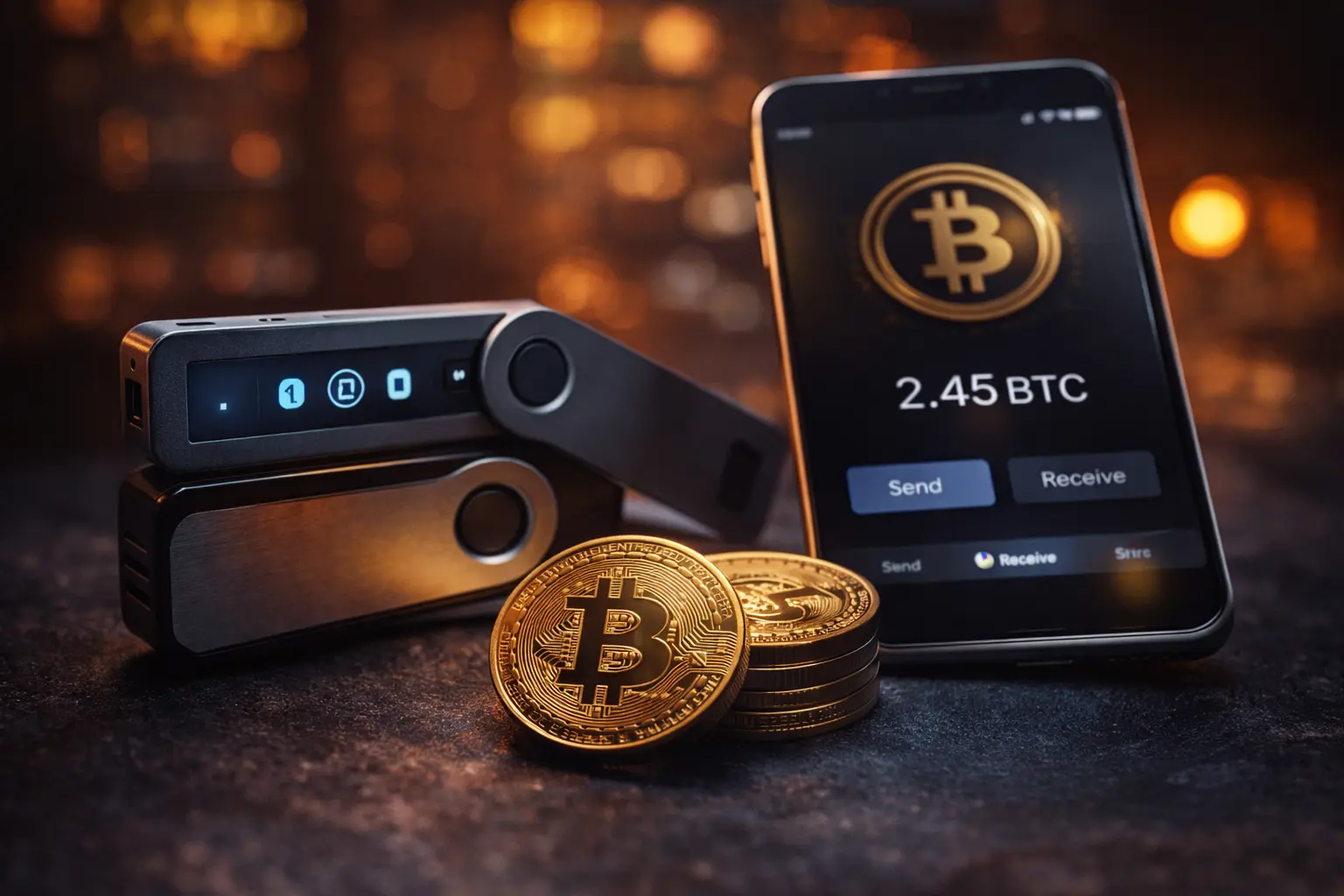
Break the transfer into three actions: copy the address, verify independently, and confirm on the device. Especially when paying to a new address for the first time, do not skip verification just because the amount is only a few tens of dollars. The smaller the amount, the lower the vigilance. You can send a small test transaction first, and then proceed with subsequent operations.
| Check Item | Suggested Action | Key Risks |
|---|---|---|
| Receiving Address | Verify the complete address on the wallet device | Clipboard tampering |
| Amount | Confirm BTC quantity and decimal places | Input error |
| Network | Confirm using Bitcoin mainnet | Wrong network or wrong process |
| Signature Permission | Only authorize the device currently needed | Over-authorization |
If you use a multi-signature wallet, the logic changes again. Traditional single-signature wallets usually only require one private key to complete the signature; multi-signature schemes can require multiple independent keys to jointly approve transactions, for example, a 2-of-3 structure requires two of the three keys to complete authorization. Its value is not "more complex", but to reduce single points of failure.
In the Bitcoin scenario, it means whoever needs signing permission should be the one who has the corresponding permission. Do not just trust the address on the computer screen. The transaction information finally displayed on the hardware wallet is the key object to be checked before signing. For operations involving large amounts, manual review and small test steps can be added.
4. Succession Planning 🛡️ Emergency Stop-Loss
When many people study Bitcoin security, they only think about "what to do if a hacker comes", but ignore a more common problem: What if the device owner suddenly cannot operate it? Home miners can change laboratory-grade power supplies, PCB boards, and firmware, but wallet recovery requires a clear inheritance process. This discussion is not about financial investment planning, but about technical access to digital assets and family emergency management.
It is recommended to break the recovery plan into three layers: device, recovery materials, and operation instructions. If the device is broken, you can buy a new one; if the recovery material is damaged, you can use the second backup; but if you don't know where the recovery material is, the first two layers are meaningless.
- Create a device list: Record the hardware wallet model, miner control device, and necessary software names.
- Establish a recovery path: Explain the steps required from backup to wallet recovery, but do not write the mnemonic phrase into ordinary instruction files.
- Divide access permissions: Clarify who can find the device, who can perform recovery, and who is responsible for keeping the backup materials.
- Set up emergency pause: When device abnormalities, address abnormalities, or firmware source abnormalities are found, stop signing first, and then investigate the cause.
The "emergency stop-loss" here is more accurately described as stopping the continuation and expansion of wrong operations. For example, if the hardware wallet suddenly asks to enter the mnemonic phrase into a computer webpage, the normal action is not to continue trying, but to disconnect immediately. Or if the miner management interface shows an abnormal login prompt, there is no need to rush to operate the wallet; close the relevant access entrance first.
The really interesting part of home Bitcoin management is here: different types of miners such as Zyber 8G, NerdQaxe++, and Bitaxe Hex can run every day, but the wallet does not need to be tossed every day. By arranging hot wallets, cold wallets, physical backups, address verification, and emergency recovery separately, even if the devices are replaced for a round, the entire system can still maintain clear control boundaries.