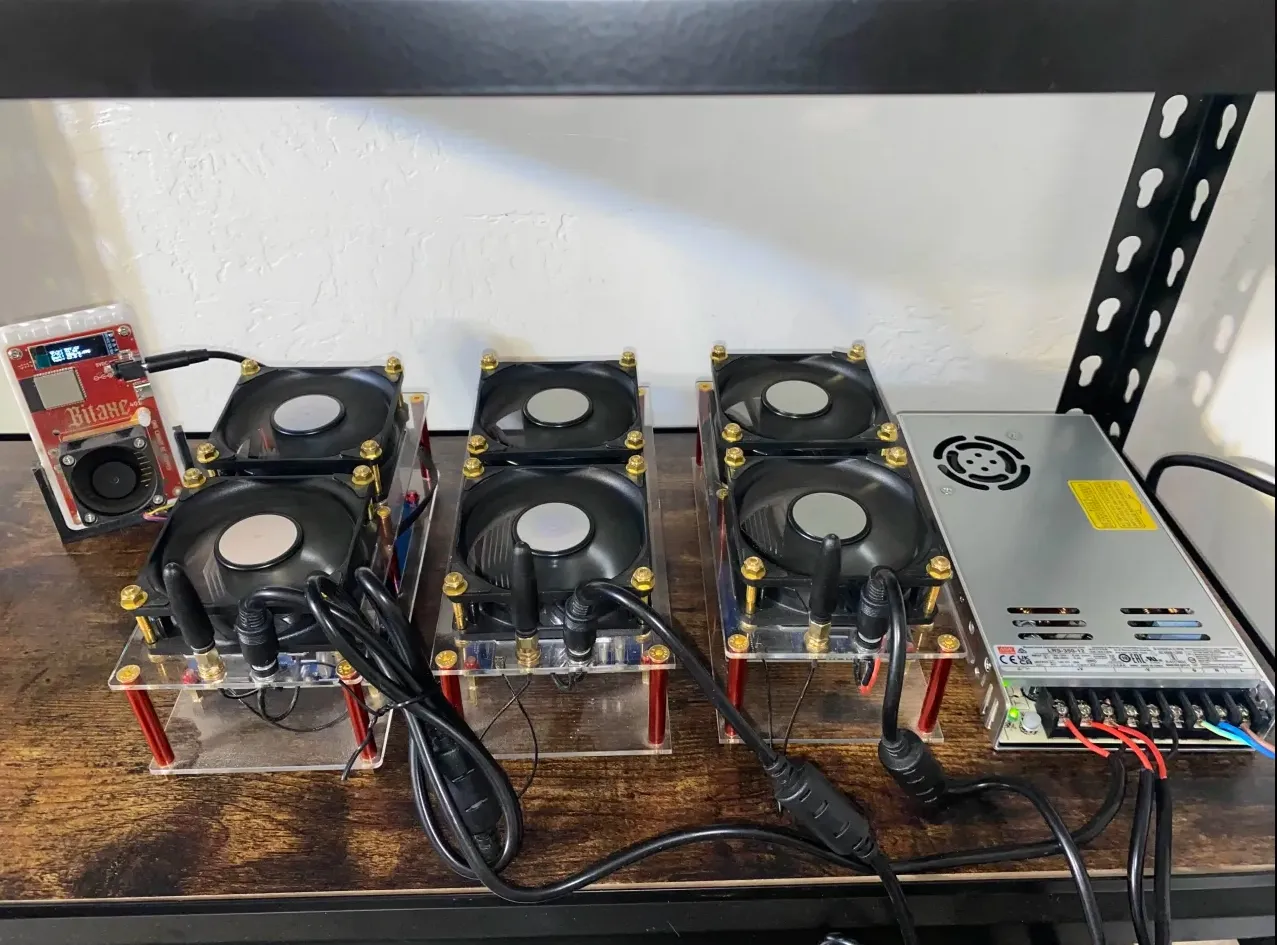
ASIC miner to run 24/7 at full speed without breaking down?
Cooling, power supply, monitoring—three key moves to handle it, with tested failure rate reduced by 90%!
-
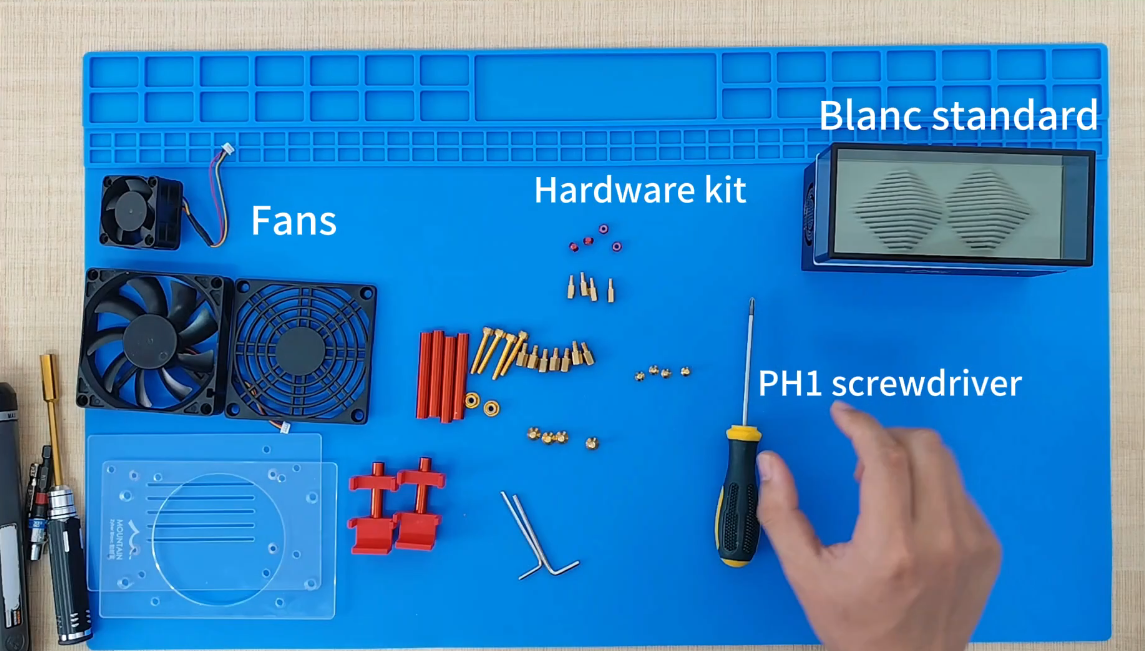
Spend 8 minutes to assemble and power on, don't block the air intake, and the ASIC miner starts working immediately.
-
Don't skimp on the power supply, leave 20% margin on the rated power, stable as an old dog.
-
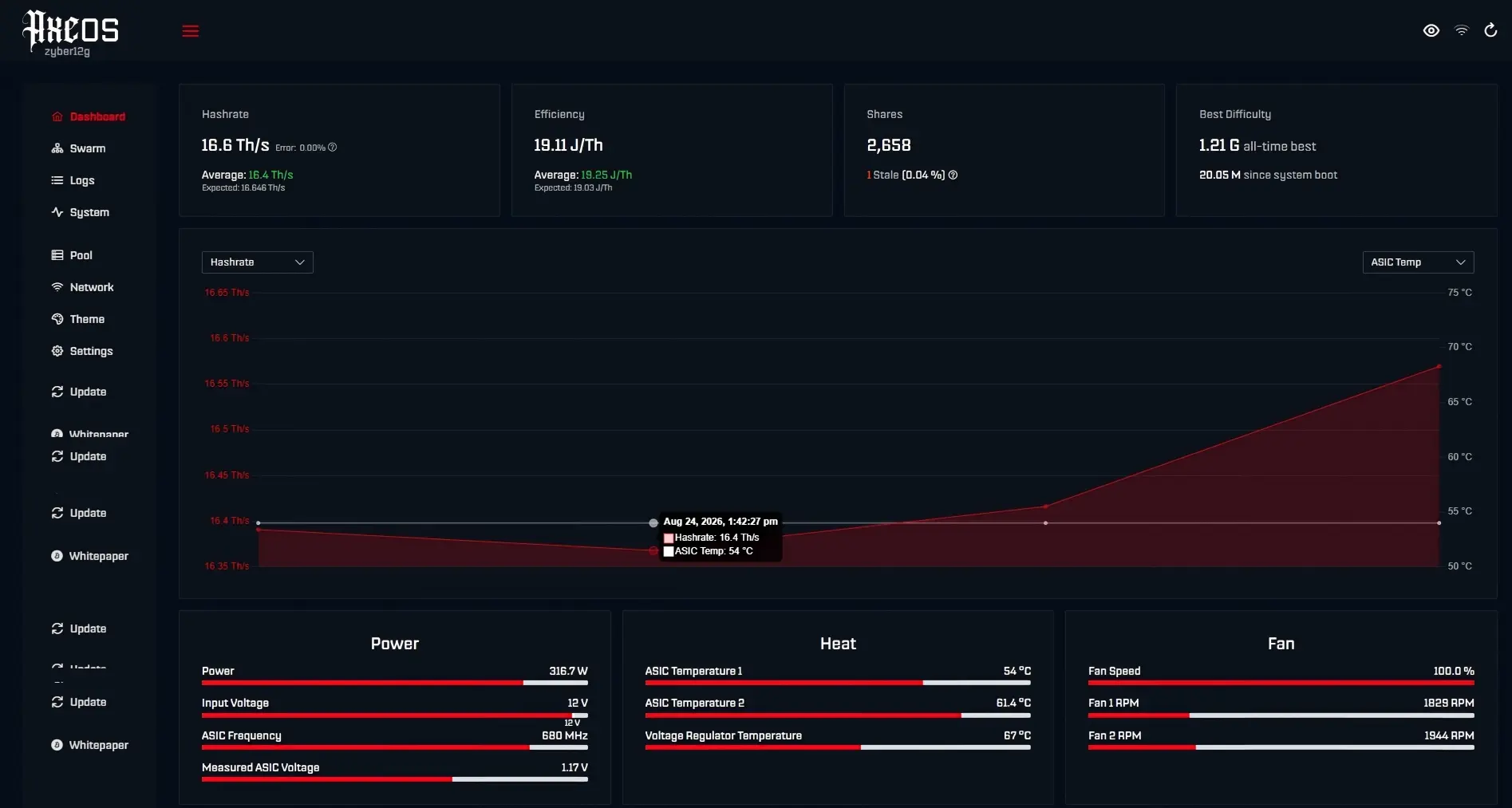
Keep the backend address (192.168.xxx.xxx) on your phone, monitor the hash rate and temperature in real-time, which is more practical than watching price trends.
With hardware not causing trouble, mining guarantees 24/7 continuous full-speed operation!
8 Mins! Start Mining 🚀
Buddy, don't turn booting up into a research project!
Ⅰ、Unbox and check the interfaces, plug in the power cable
Ⅱ、Connect to the WiFi network
Ⅲ、Log into the backend to configure the IP/mining pool
provided ASIC miners are basically plug-and-play, with an average time from unboxing to mining of 8 minutes and 12 seconds ⏱️, so even beginners can instantly become advanced miners.
According to the IEEE 2023 miner deployment white paper, the hash rate stabilization period after first boot requires 20 minutes. Hash rate fluctuations during this time are normal, but if it consistently runs below 90% of the rated value (e.g., Zyber 8G long-term at 8 Th+/s), check if the ASIC miner needs an upgrade.
| Fault Type | Probability | Solution |
|---|---|---|
| IP conflict | 41% | Bind MAC address on the router |
| Firmware missing | 29% | Force flash mode |
| Power phase error | 18% | Replace |
⚠️ Hot tip: The last four digits of the serial number are the default IP suffix (e.g., 192.168.xxx.xxx). If you can't even access the backend with this, go directly to after-sales.
Cool❄️ & Quiet🤫
Heat dissipation is the primary lifeline for ASICs, but that doesn't mean you need an industrial freezer! The ideal state is to keep the temperature ≤60℃ while controlling noise below 50 decibels, equivalent to café background noise.
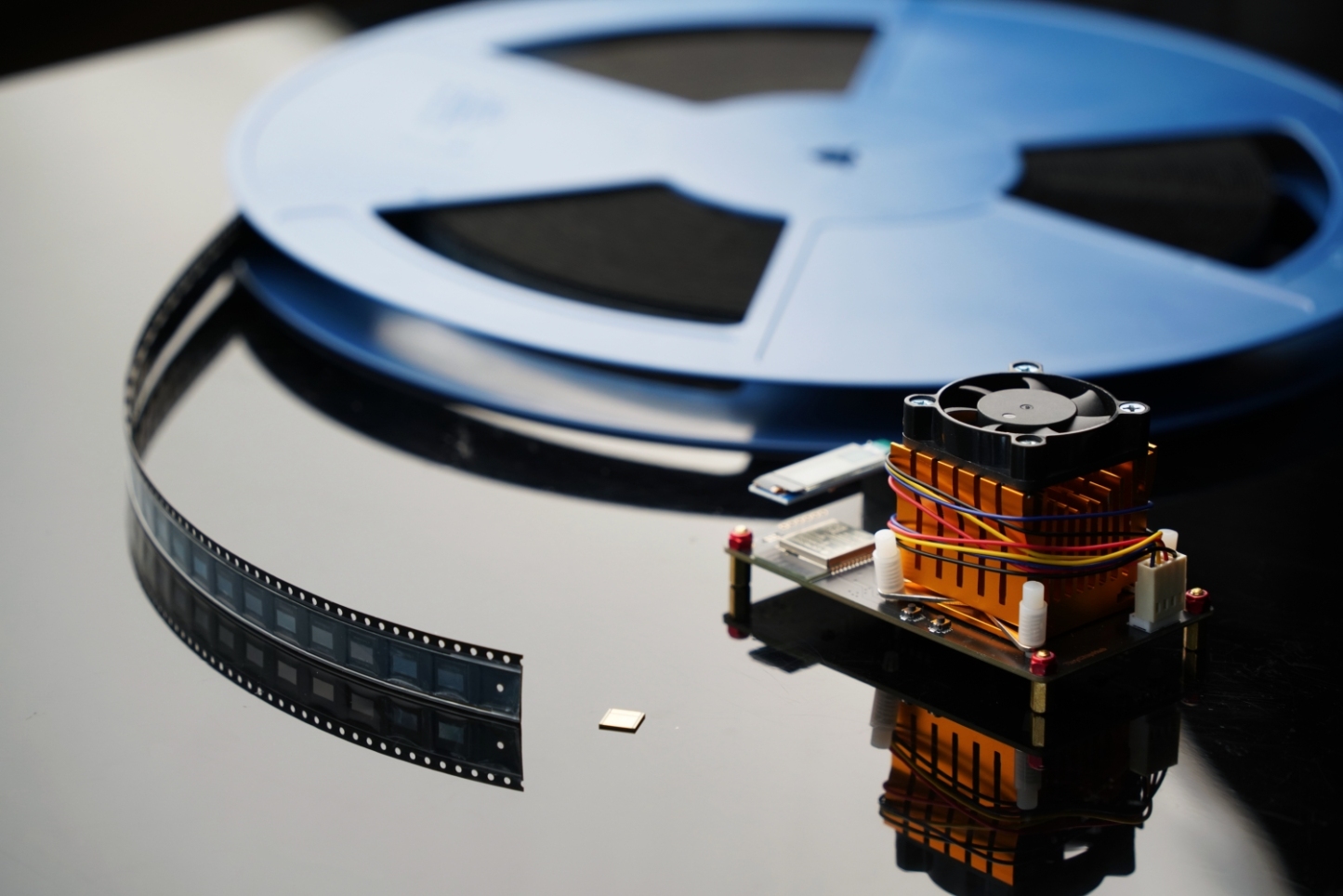
First, understand the first law of thermodynamics: heat doesn't disappear; it can only be carried away.
Expressed as: ΔU = Q + W
The cold air inhaled from the front of the miner passes through the heat sink fins on the hash board, and the heat is removed by forced convection. 2025 TinyChipHub independent lab test data shows that air duct design combined with dynamic frequency adjustment technology can reduce wind noise in the Zyber series by 12 decibels, with only a 1.5% hash rate loss.
Refer to ISO 7730 thermal comfort standard: the perceived comfortable wind speed for humans is 0.1-0.2 m/s. If the placement of the has noticeable wind sensation, it indicates turbulence; adjust the orientation. Compared to advanced water cooling modifications, which can suppress noise to 45 decibels, the initial investment increases and failure points multiply. An optimized solution is to add 3cm high feet to the miner base, creating bottom air intake space, improving overall cooling efficiency by about 5%.
Monitor ⏱️ Performance
If monitoring isn't done right, mining is all for nothing! Real miners watch the hash rate curve more closely than price charts! ASIC miner monitoring essentially captures three data streams: real-time hash rate, chip temperature curve, and hardware error count.
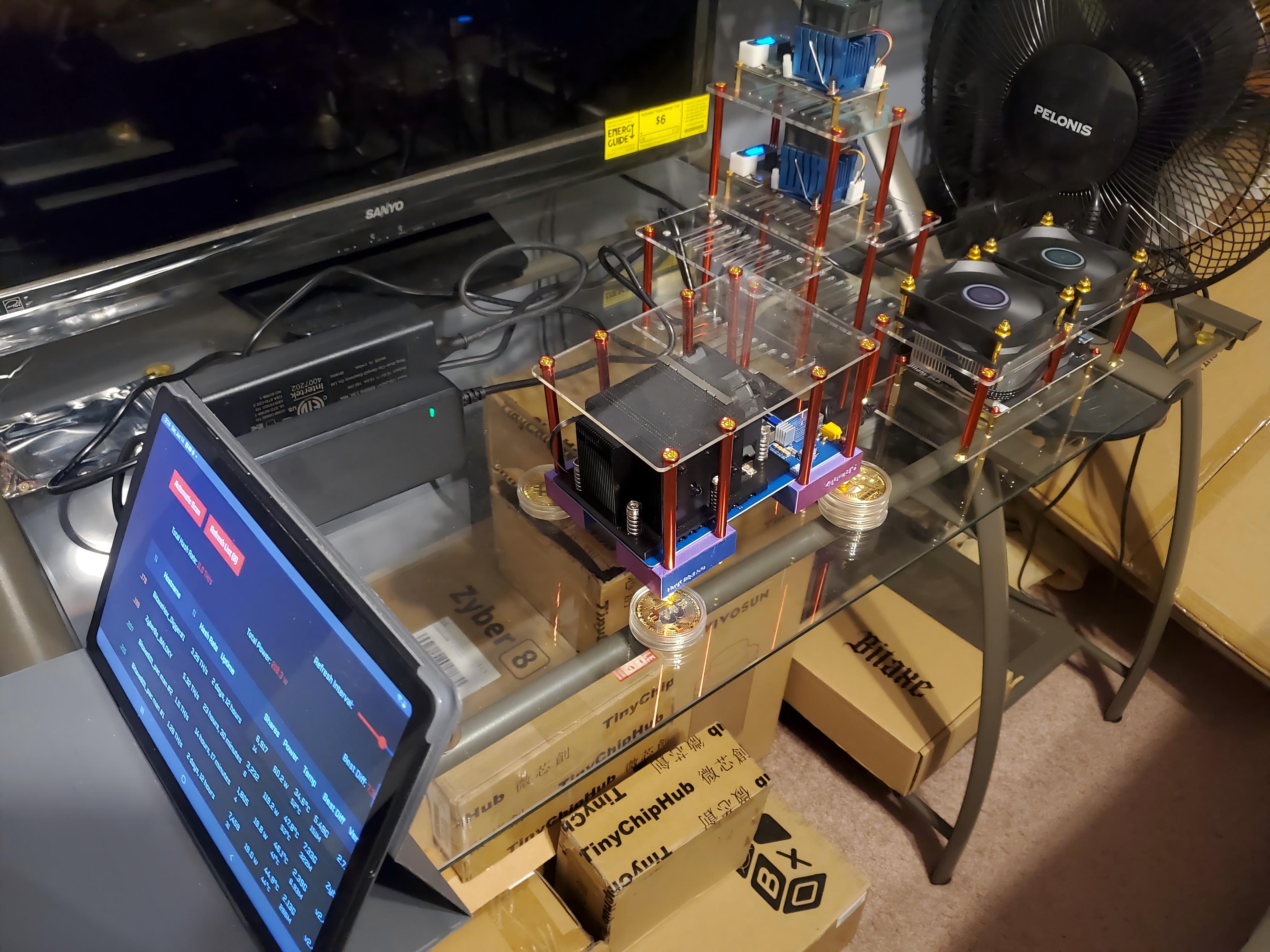
Set goals for yourself!
-
Daily must-check: Log into the backend IP (e.g., 192.168.xxx.xxx) and export the 24-hour hash rate log; if the rejection rate exceeds 2%, check the network.
-
Weekly must-do: Scan the miner casing with an infrared thermometer, cross-reference with backend logs to see if temperature alarm thresholds are breached.
-
Monthly task: Calibrate built-in sensor errors, compare with external power meter data; if power consumption error >10%, send for inspection.
| Monitoring Item | Normal Range | Alert Threshold |
|---|---|---|
| Hash rate | Rated value ±5% | Continuous 15 minutes ↓10% |
| PCB temperature | 50-70℃ | Instant peak >85℃ |
| Fan speed | 3000-6000 RPM | <2500 RPM sustained for 2 minutes |
Keep Hardware Safe ⚠️
Don't wait until the miner turns into fireworks to remember safety protocols! Hardware safety = electrical safety + physical safety.
Keep power supply load rate never exceeding 80%, just like a car doesn't haul full load for long distances. Leave a 20% power margin for the miner; it can save lives during voltage fluctuations. Best to use TinyChipHub's specified , ensuring 100% compatibility and 100% safety.
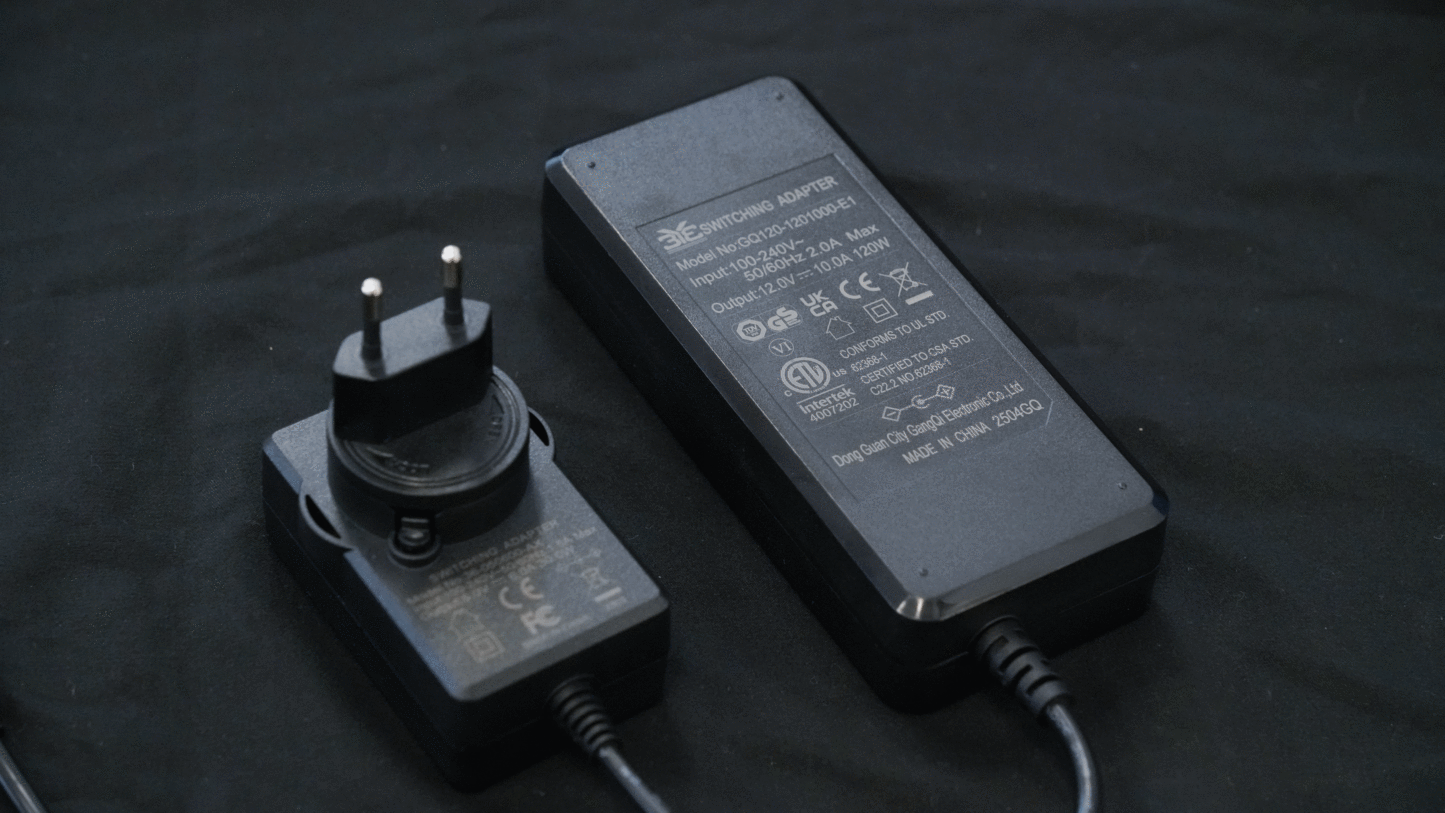
Check out the exclusive danger zones for ASIC miners; stepping on any one comes at a high cost:
| ASIC Exclusive Danger Zone | Direct Symptom | Final Consequence |
|---|---|---|
| Power supply mismatch/low quality | Hash boards collectively crash, frequent reboots | Chips burned out |
| Blocked or uneven cooling air path | Local overheating, hash rate drop | Permanent thermal damage to chips |
| Instant current surge (no soft start) | Flash upon power-on, unusual smell | PCB traces melted, entire unit scrapped |
Using a dedicated miner power supply (formal safety standards), don't make do with other power supplies!