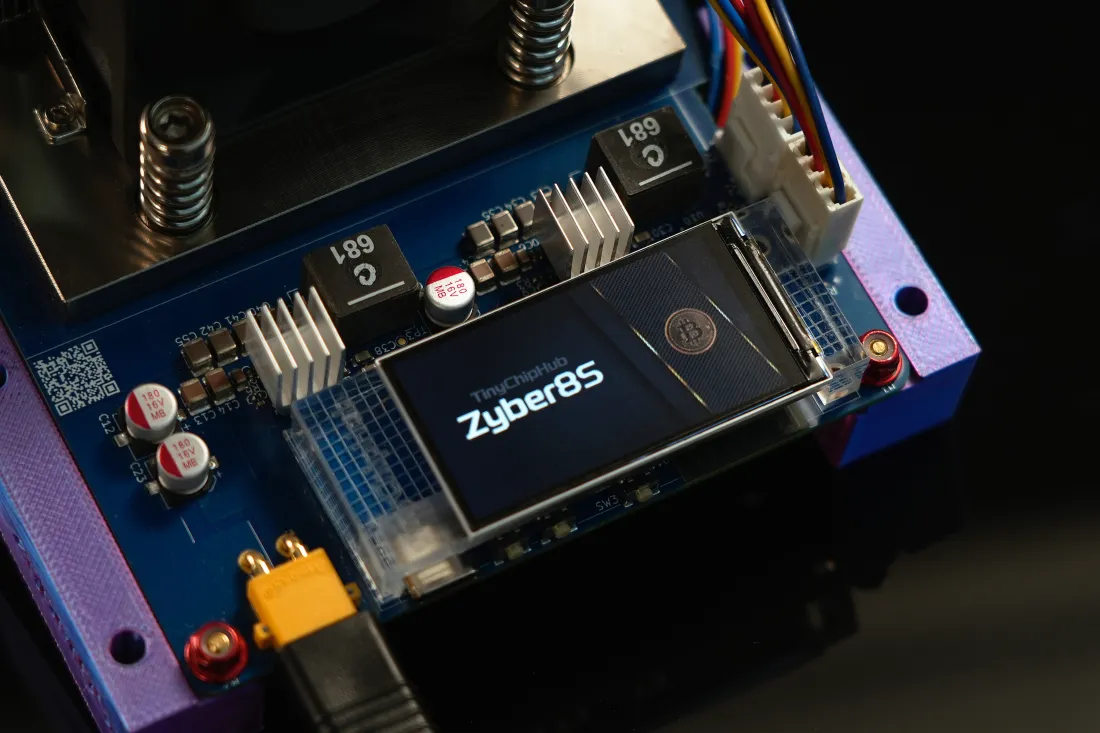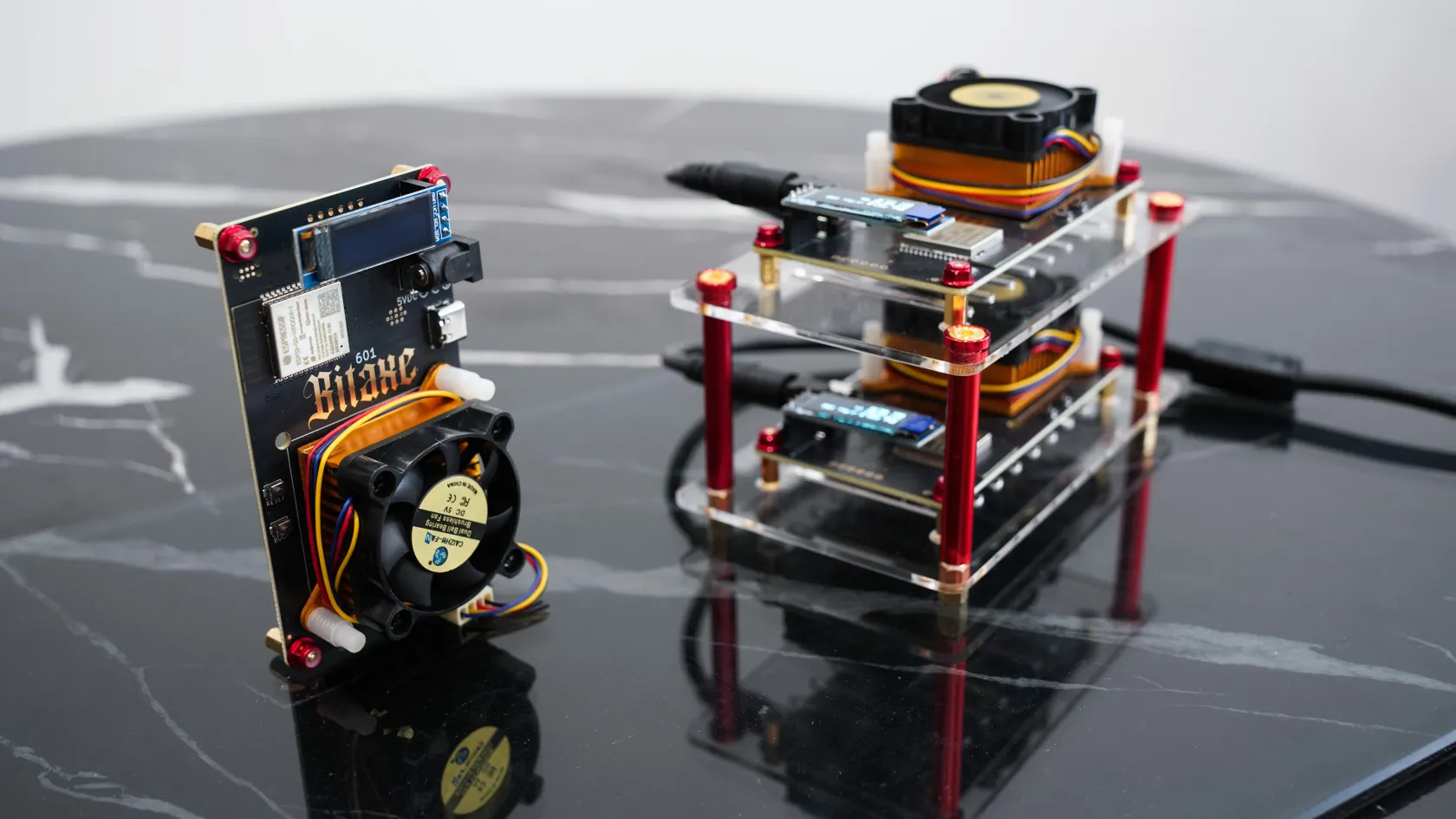
Stacking multiple Bitaxe miners is not simply about piling them horizontally. It involves DIY combinations with different accessories (carbon fiber plates, acrylic plates, bracket cooling kits...) to enhance both cooling and aesthetics. Below, starting from the measured data of the TinyChipHub lab, I will share how to use scientific layout solutions to improve the Bitaxe miner's cooling efficiency while achieving a neat and visually appealing effect.
DIY for Better Performance
The core goal of DIY for Bitaxe miners is to improve overall capabilities like hash rate and cooling. Through targeted hardware modifications, such as optimizing airflow and enhancing contact thermal conduction, the overall hash rate stability can be improved by over 5%, and the risk of throttling due to poor cooling can be reduced to <1%.
To make this data more intuitive for operation, a more detailed DIY performance improvement plan table is shown below:
| DIY Modification Solution | Core Goal | Key Performance Indicator Improvement | Operation Complexity |
|---|---|---|---|
| Bitaxe Miner | / | / | / |
| Carbon Fiber Design Case (Open-top) | Weight reduction, enhance natural convection | Cooling +1%, Weight -30% | Low (Direct replacement) |
| Acrylic Plate DIY Stacking | Create vertical airflow, save space | Cooling +5%, Space utilization +40% | Medium (Requires layout planning) |
| Enhanced Bracket Cooling Kit | Maximize air cooling efficiency | Cooling +10%, Hash Rate Stability +5% | Medium (Requires connection/installation) |
| Upgrade Thermal Paste & Pads | Reduce thermal resistance from chip to heatsink | Core Temperature -3~5°C | Medium (Requires disassembly, risky) |
Compared to simple bare operation, DIY solutions using acrylic plate stacking or enhanced bracket cooling kits show an overall cooling efficiency improvement of 5-10%.
Regarding cooling, thermal resistance is the core indicator for measuring cooling efficiency. According to 2025 official data from the TinyChipHub lab, taking the Bitaxe Gamma model as an example, replacing the thermal paste with a high thermal conductivity (≥6W/m·K) type can reduce the contact thermal resistance between the chip and the heatsink by 0.08°C/W. In a 25°C ambient environment, the chip core temperature can be further reduced by 3-5°C.
🔧 Operation Guide: When choosing a solution, follow the principle of "from simple to complex." It is strongly recommended to start with "Acrylic Plate Stacking," as it offers the most significant cooling benefit for the lowest cost. Before performing any operation involving circuits, ensure the device is completely powered off and use an anti-static wrist strap.
Cool Layout Ideas
To make your Bitaxe miners look cool and run efficiently, the core is to master spatial layout. Specifically, it's about using the principle of heat convection to actively guide airflow, increasing cluster cooling efficiency by another 5% or more.
In practice, horizontal stacking and vertical airflow are the two main approaches. Horizontal stacking is suitable for narrow spaces, for example, placing three Ultra units side-by-side with a minimum gap of 3cm, using acrylic plates for support. This relies on natural convection, keeping single-unit hash rate fluctuation within ±2%. However, a staggered vertical layout is more recommended. Like building blocks, stagger each layer and add acrylic plates, allowing the negative pressure created by fans to draw air from bottom to top. Refer to the specific creative layout ideas.
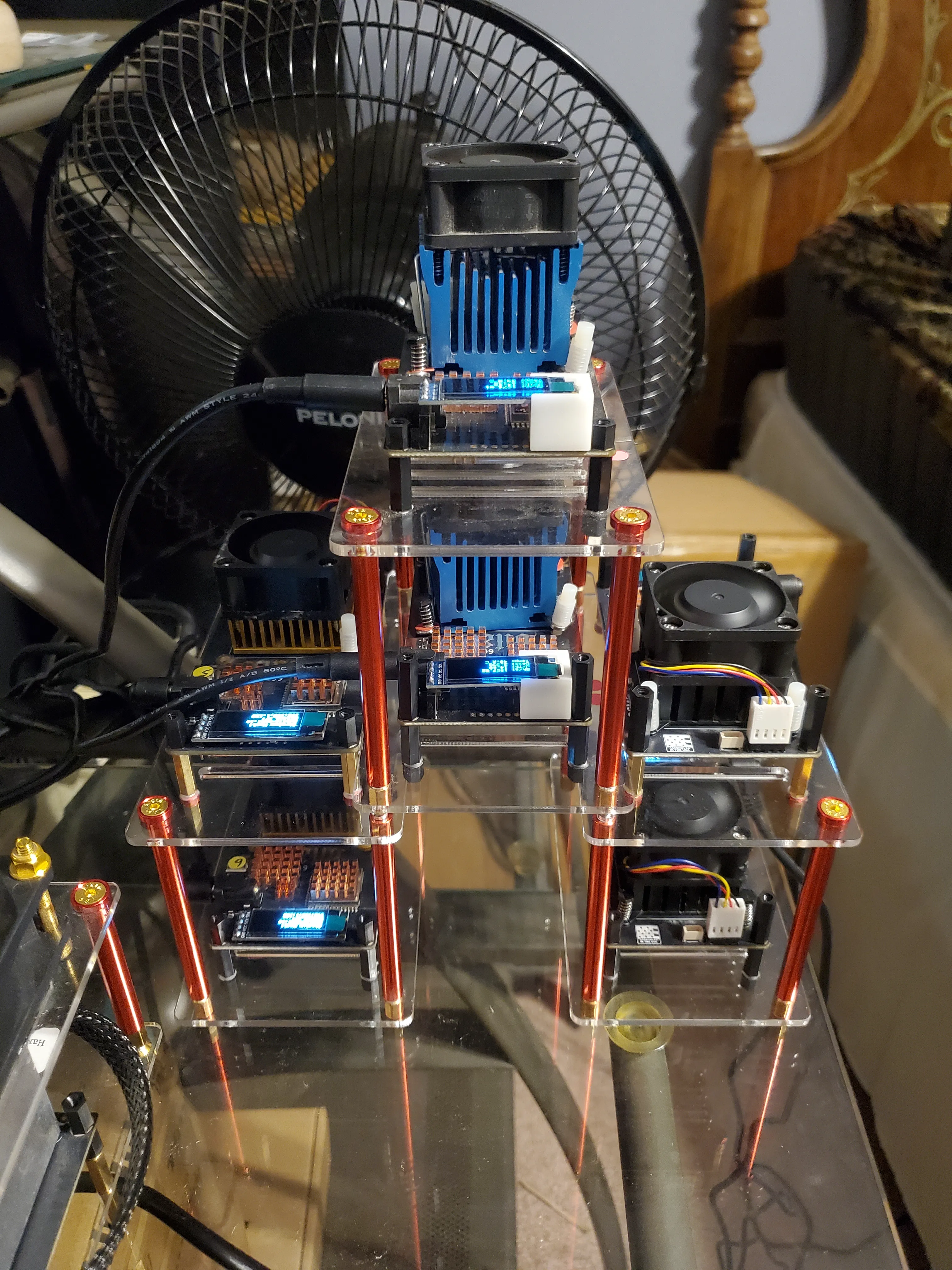
Idea 1: Tower Layout
-
Applicable Models: Gamma/Ultra
-
Tools: 5mm thick acrylic plates, paired with M3 nylon standoffs for staggered stacking.
-
Advantage: High cooling efficiency, devices do not interfere with each other, easy maintenance.
-
This layout supports staggered vertical stacking of up to 6 devices, forming multiple bottom-up vertical airflow channels. To ensure cooling effect, the fan power of the top device needs to be increased by approximately 10% to overcome system airflow resistance, ensuring the intake temperature of the top device does not exceed 35°C.
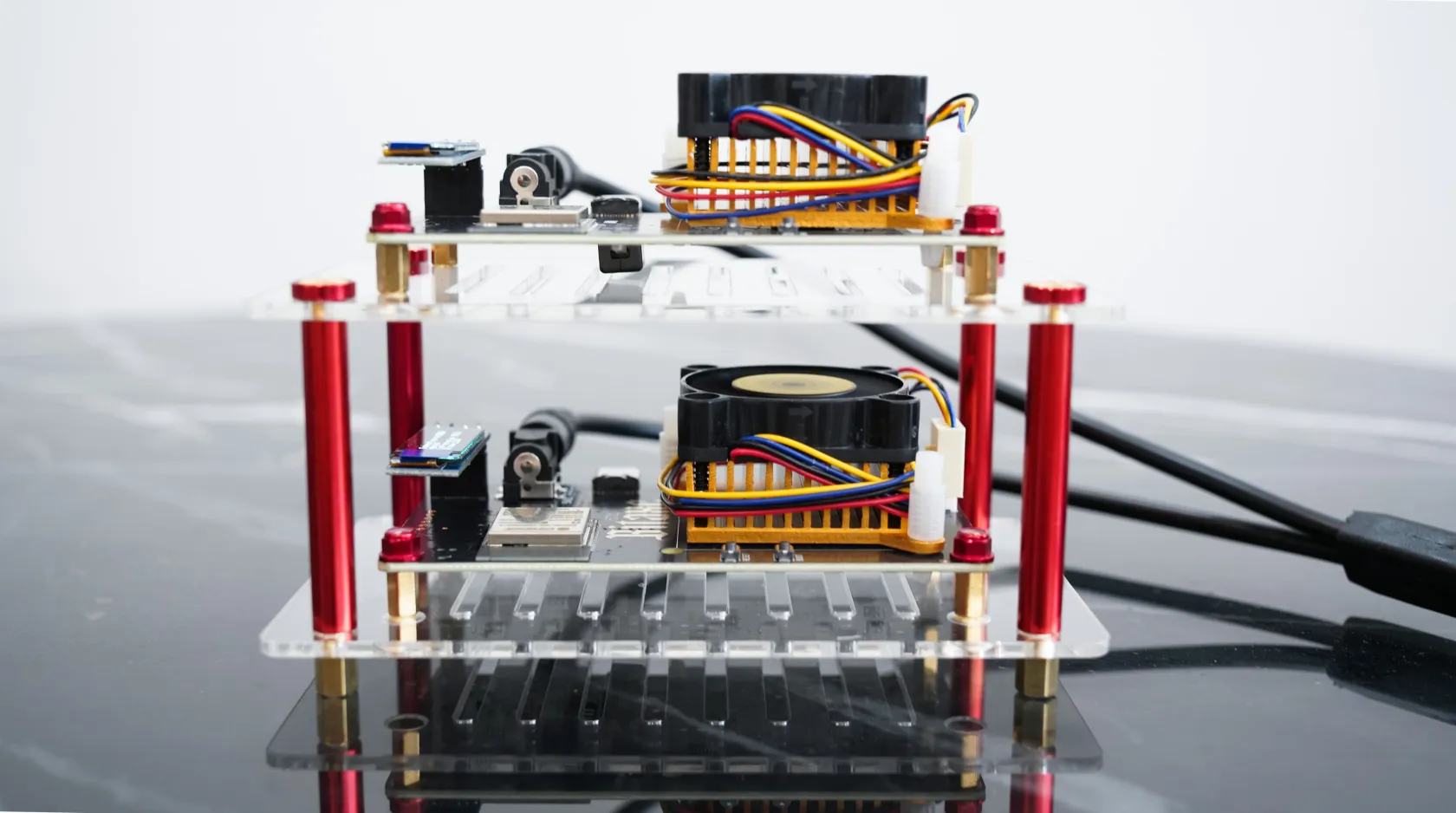
Idea 2: Horizontal Array
-
Applicable Models: Gamma/Ultra
-
Tools: Acrylic horizontal plates (thickness ≥5mm to ensure structural strength)
-
Advantage: Extremely saves desk space, horizontal footprint is only the size of one miner.
-
In a typical 1×3 horizontal array, the gap between devices should be ≥5cm, ensuring each device can draw sufficient cool air from the sides, avoiding hot air recirculation.
💡 Key Tip: When arranging the layout, never point the air outlet directly at a wall. Leave at least 15cm of airflow space, otherwise, hot air reflow will shorten the motherboard life by 30%.
Must-Have DIY Tools
DIY tools are not optional. A set of professional tools can reduce installation error rates to <2% while increasing structural stability by 20%. The mining equipment debugged at TinyChipHub is installed by professional staff using standard tools. Refer to the following example for specific tools.
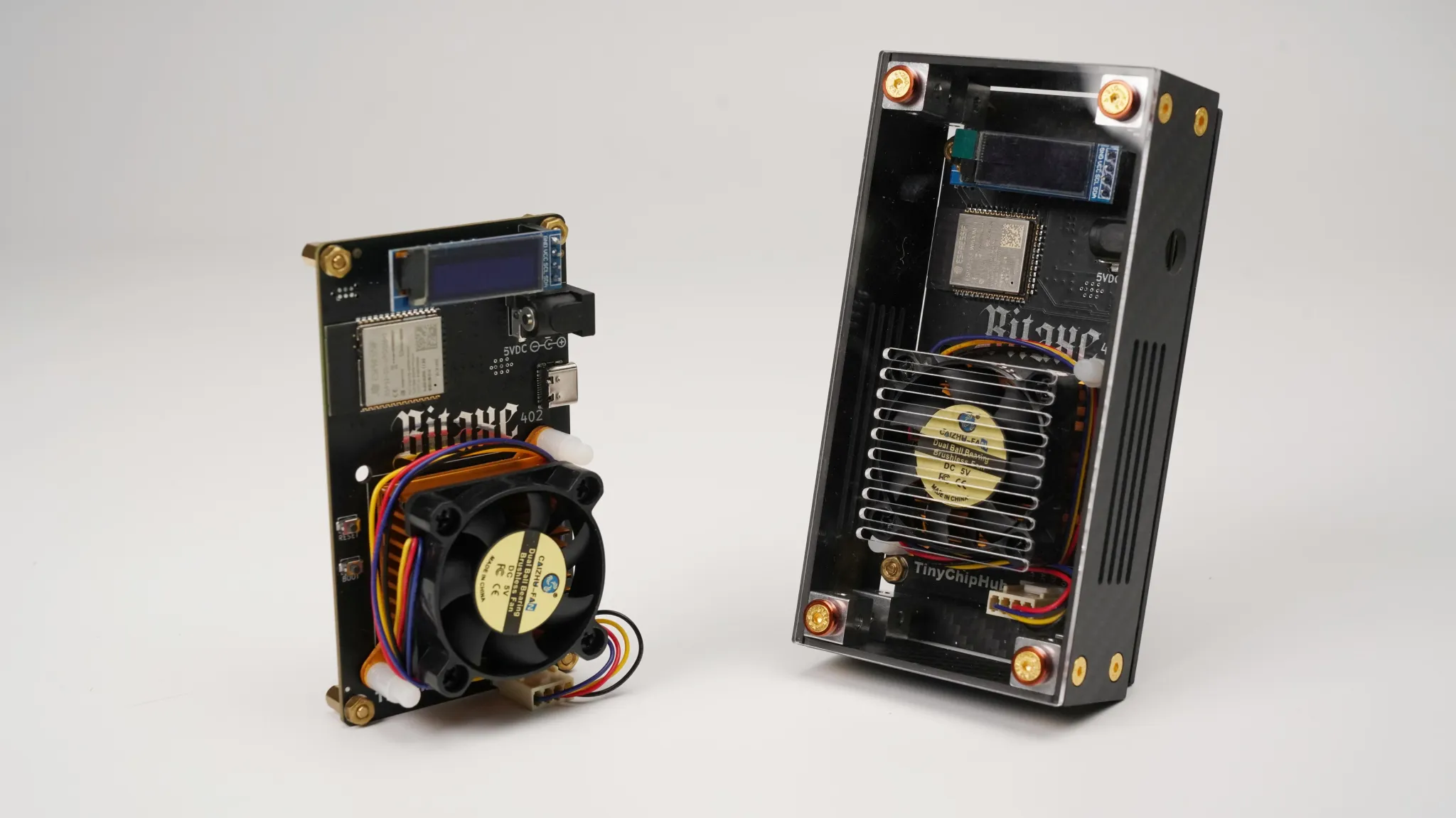
If you decide to perform a deep DIY upgrade on a Bitaxe Gamma, you can refer to the following core steps:
Step 1: Diagnosis & Planning
-
Use the miner's built-in UI (e.g., AxeOS) to record chip temperature, hash rate fluctuation, and fan speed under full load.
-
Define the DIY goal: Is it to improve single-unit performance or optimize cluster layout?
Step 2: Prepare Tools & Materials
-
Essential Tools: Phillips screwdriver, torque screwdriver (recommended), thermal paste, insulating washers.
-
Safety Measures: Anti-static wrist strap, isopropyl alcohol (99%+ concentration) for cleaning.
-
Combination Materials: Carbon fiber plates, acrylic plates, enhanced bracket cooling kit, etc.
Step 3: Execution & Verification
-
Disassemble the unit while powered off, clean the chip surface, apply new thermal paste evenly.
-
After assembly, power on and compare data before and after the DIY to verify the improvement.
Keep Them Safe
True DIY experts not only pursue performance surges but also focus on building a suit of armor for their equipment. When installing acrylic stack shell or carbon fiber plates, a key quantitative detail is that the length of the fixing screws must be strictly limited. If screws longer than the PCB mounting hole thickness by 1.5 millimeters or more are used, the probability of the tip accidentally piercing the backside circuits increases sharply to 66%.
✔ The correct method is to use screws of precise length (e.g., M3×6mm nylon screws) or add insulating washers, ensuring all metal parts maintain a safe distance of at least 0.5 millimeters from the PCB, physically reducing the risk of installation short circuits to <0.1%.
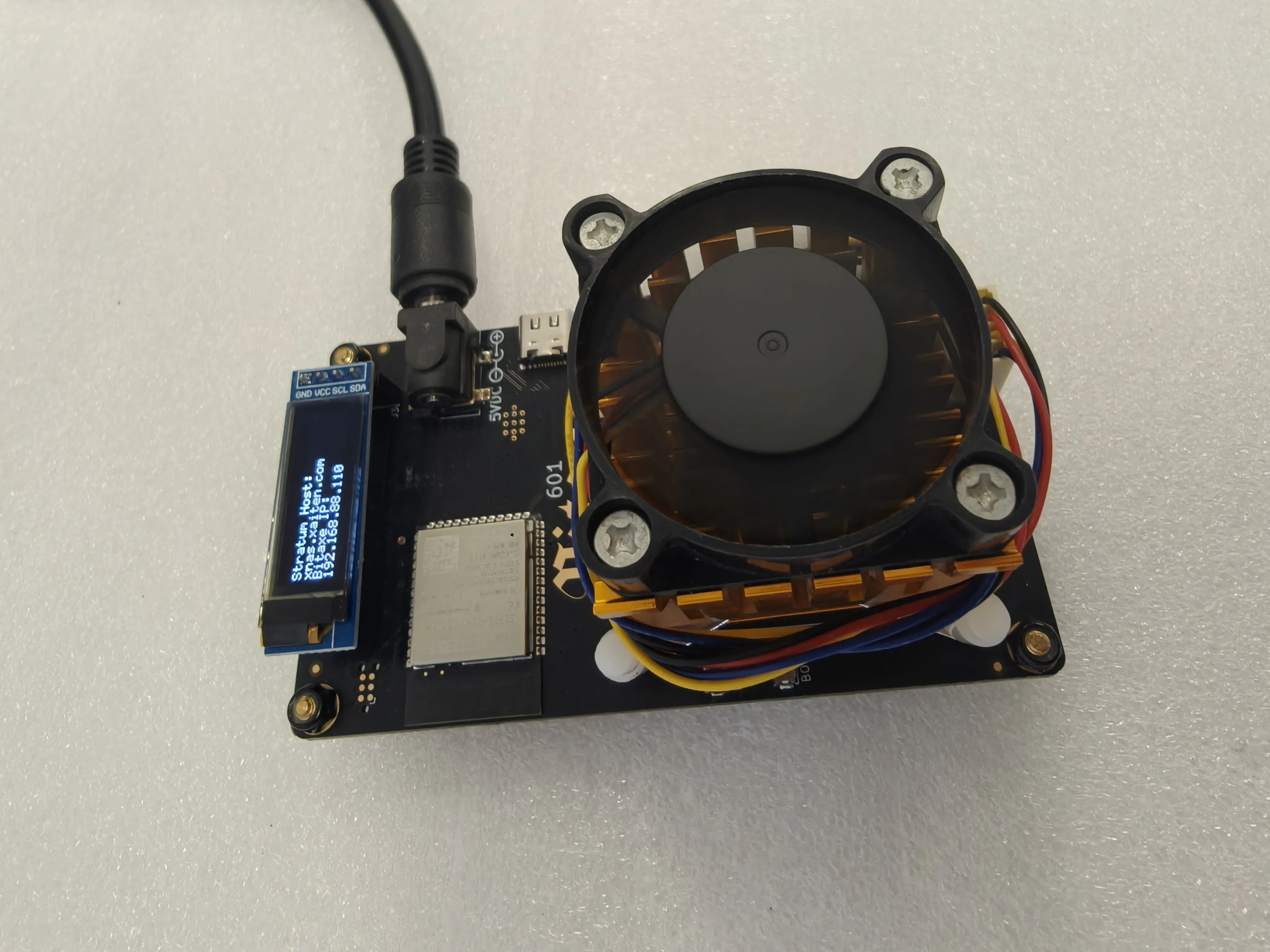
Novel layouts like towers or horizontal arrays pursue visual impact but hide overlooked "aesthetic traps."
⚠️ The biggest risk is the stability crisis triggered by the change in the center of gravity. TinyChipHub lab structural mechanics tests showed that for a tower structure with an aspect ratio exceeding 2:1, its stability factor falls below 1.5, and the probability of tipping over from a slight bump is greater than 45%.
🚩 Truly safe layouts are centered on "stability." A clever solution is to use a 30% stagger design between multi-layer stacks, which can increase the stability factor to above 3.0