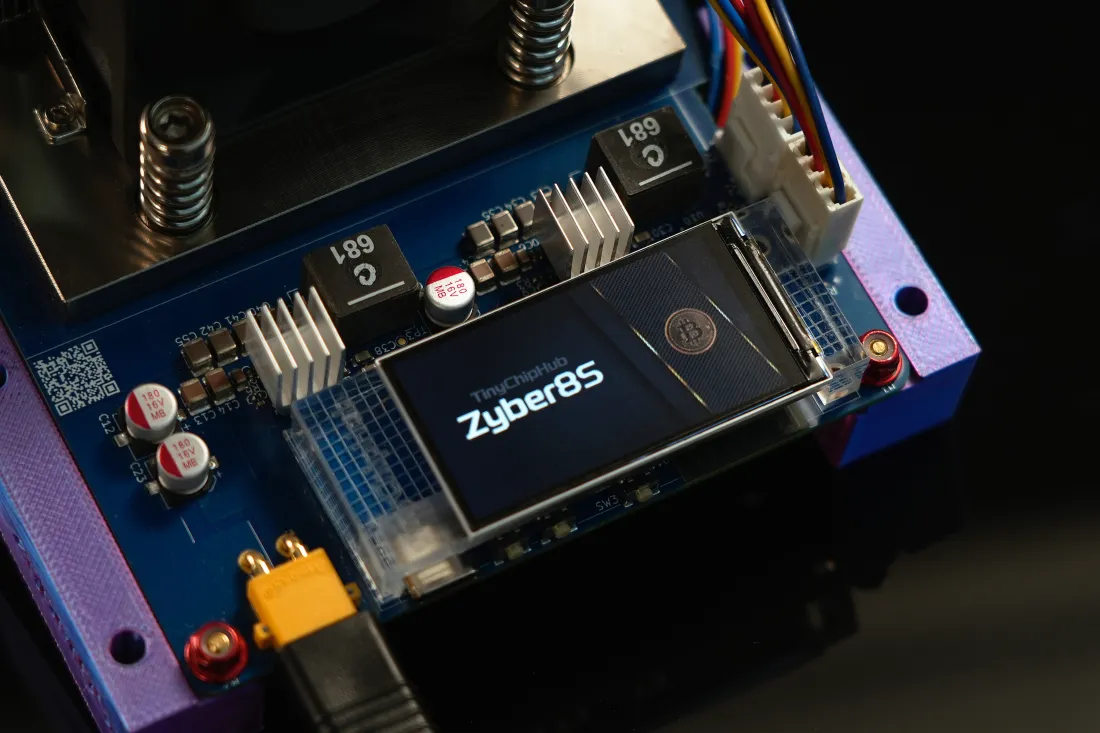
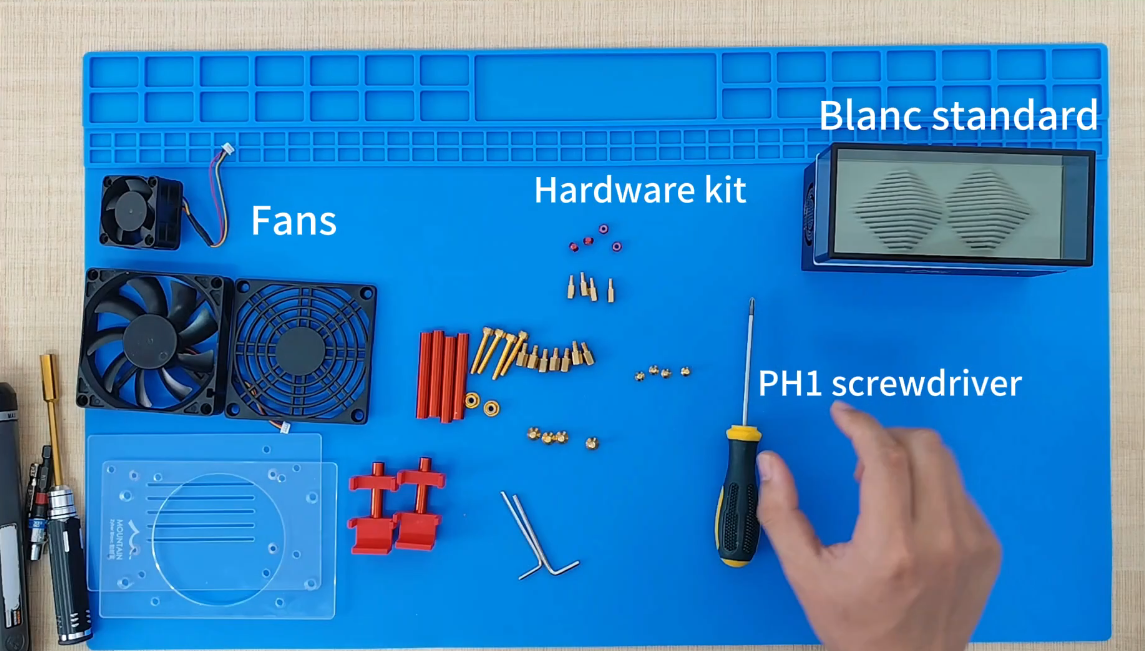
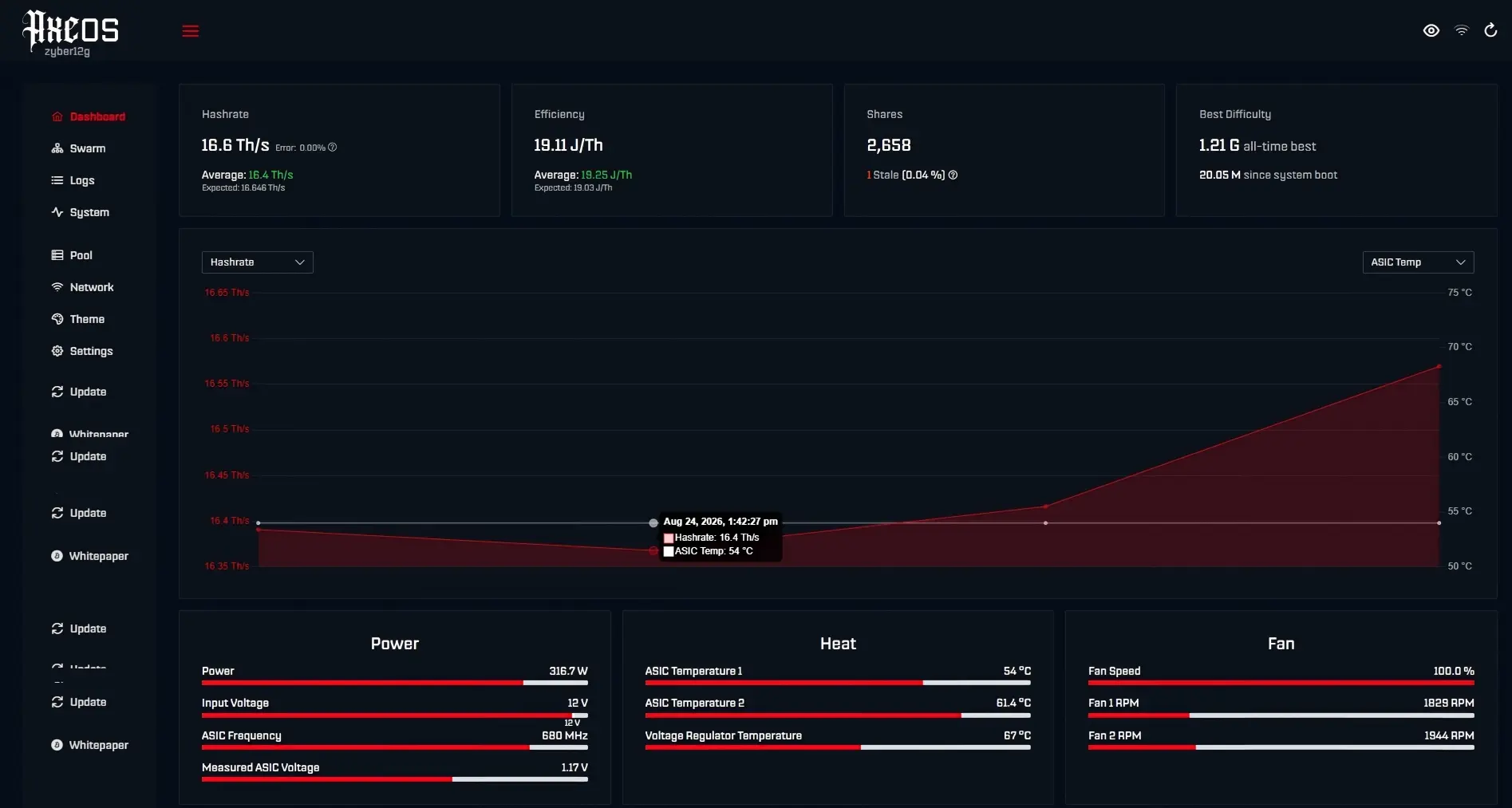
Selecting the core is a simple four-step process! First, check for port compatibility. Then, accurately calculate total power consumption to prevent overload risks. Finally, check for safety certifications.
For example, TinyChipHub's is specifically designed for various TinyChipHub mining rigs. Let me break it down and explain it in detail to help you avoid pitfalls!
Compatible? Choose Connectors 🔌
The key to a mining rig's power supply is this: the connector type directly determines the maximum power consumption. Connecting the wrong one can be a real disaster! Don't be fooled by their small plugs; the three mainstream connectors—Barrel, XT30, and XT60—have completely different current-carrying capacities. They are clearly divided into four power levels: 5V-6A (30W), 12V-10A (120W), 12V-15A (180W), and 12V-20A (240W).
The first step is always to check the connector model on your mining rig's motherboard and then select the power supply that matches the connector.
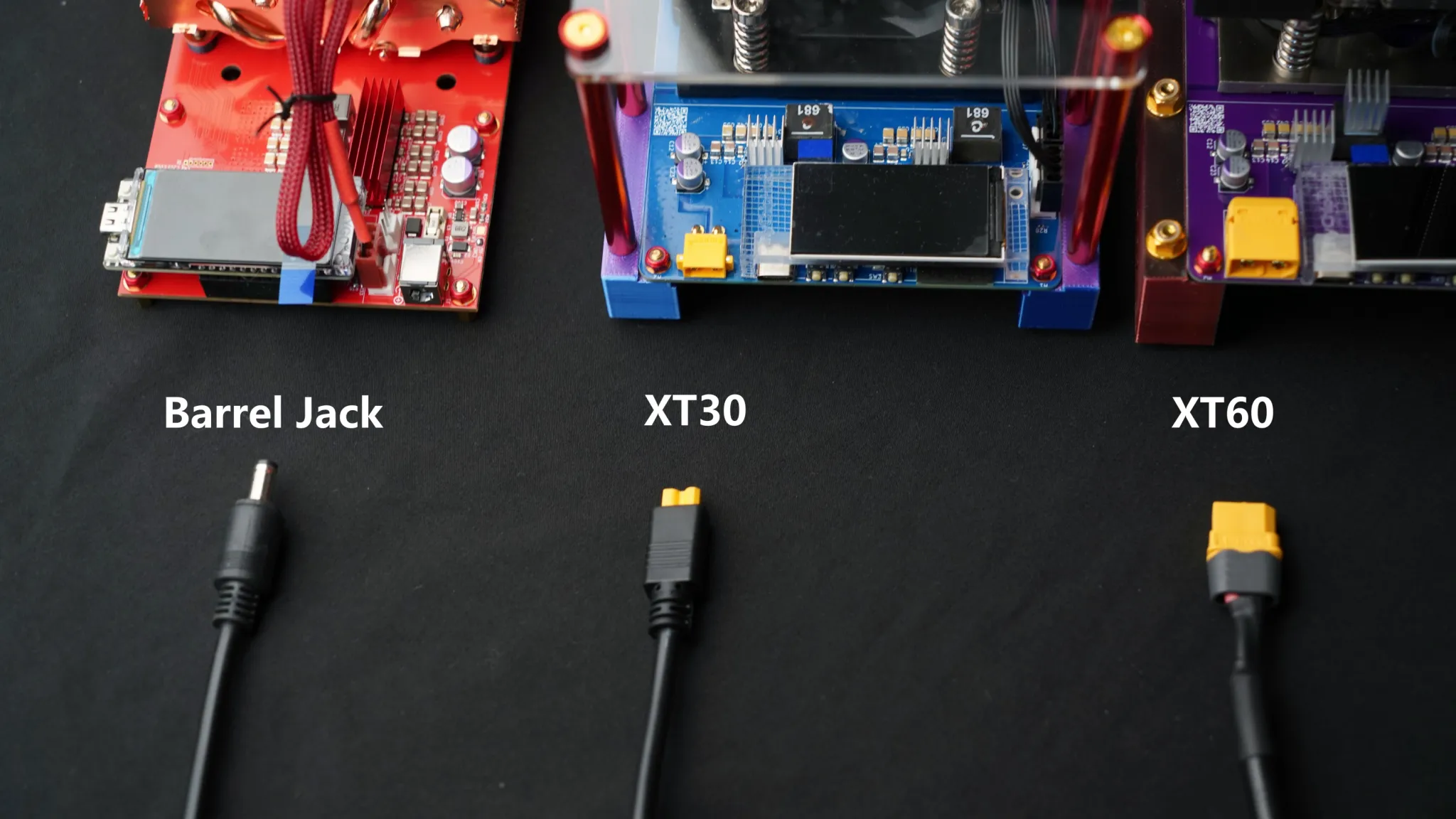
Technically, the key factor is the contact resistance of the interface. High-quality XT60 connectors typically have a contact resistance of less than 0.5mΩ, while inferior ones may exceed 3mΩ, resulting in unnecessary power loss and heat generation. For example, uses the corresponding connector in its optimized power supplies for different mining rig series. In actual measurements, under overclocking, the connector temperature rise is only 5-6°C (at an ambient temperature of 27°C).
| Interface Type | Typical Power | Maximum Continuous Current | Core Application Scenarios |
|---|---|---|---|
| Barrel (DC Plug) | 5V-6A (30W) | Maximum 1.5A | Bitaxe Ultra, Supra, Gamma |
| Barrel (DC Plug) | 12V-10A (120W) | Maximum 2A | Bitaxe Hex, Supra Hex, Nerdqaxe++ |
| XT30 | 12V-15A (180W) | Maximum 3.5A | Zyber 8S, Nerdqaxe++ |
| XT60 | 12V-20A (240W) | Maximum 3.5A | Zyber 8G |
🔥 Risk Warning: Never use a barrel connector with a load exceeding 60W. Its physical structure determines its power limit. Overloading it creates a high risk of short circuits and fires!
🧮Power Needs Calc?
Calculating the power consumption of a mining rig? The key is: check the connector and power rating on the official website; don't guess! Power supplies and mining rigs are strictly paired; it's not just a plug-and-play experience.
For example, the TinyChipHub website's Zyber 8G (10+ TH/s) specifically requires a 12V, 20A power supply with an XT60 connector, while the Bitaxe Gamma (1.2+ TH/s) only uses a 5V, 6A barrel connector.
🔥 Must-check! [Check the label after receiving the power supply]
-
Confirm that the output voltage (V) matches the miner's requirements.
-
Confirm that the maximum output current (A) is ≥ the miner's required current × 1.2
-
Confirm that the connector shape 100% matches the miner's connector.
The first step is always to confirm your miner model and the corresponding connector type. Then, based on the official power consumption data, allow an additional 20% margin.
There's a technical term for this: load regulation. A high-quality power supply should maintain output voltage fluctuations within ±2% under varying loads (for example, a nominal 12V may actually be between 11.76V and 12.24V). Using a 5V power supply with a 12V miner will instantly burn out the motherboard. Conversely, a 12V power supply connected to a 5V mining device will cause the chip to malfunction.
Let's use the official website's best-selling model as an example for an accurate calculation:
| Miner Model | Official Hashrate | Official Power Consumption | Matching Interface | Recommended Power Supply |
|---|---|---|---|---|
| Zyber 8G | 10+ TH/s | ~200W | XT60 | 12V-20A (240W) |
| Zyber 8S | 6.4+ TH/s | ~150W | XT30 | 12V-15A (180W) |
| NerdQaxe++ | 5+ TH/s | ~100W | Barrel (12V) | 12V-10A (120W) |
| Bitaxe Gamma | 1.2+ TH/s | ~25W | Barrel (5V) | 5V-6A (30W) |
According to the JCMS 2023 white paper on home mining rig power consumption, mining rig power consumption increases by an average of 8%-12% in high summer temperatures (above 35°C). Therefore, using a 120W power supply for a 100W NerdQaxe++ is a safe baseline.
Avoid! Overload Risks ⚠️
Overload risks aren't meant to scare you. Using the wrong power supply can turn your mining rig into a "barbecue" in seconds!
Note: For example, if the barrel port has a maximum load of 30W and you insist on using a 50W load, the result could be a melted port or a short circuit on the motherboard. Remember this red line: the actual load on the power supply must never exceed the "maximum continuous current" marked on the port.
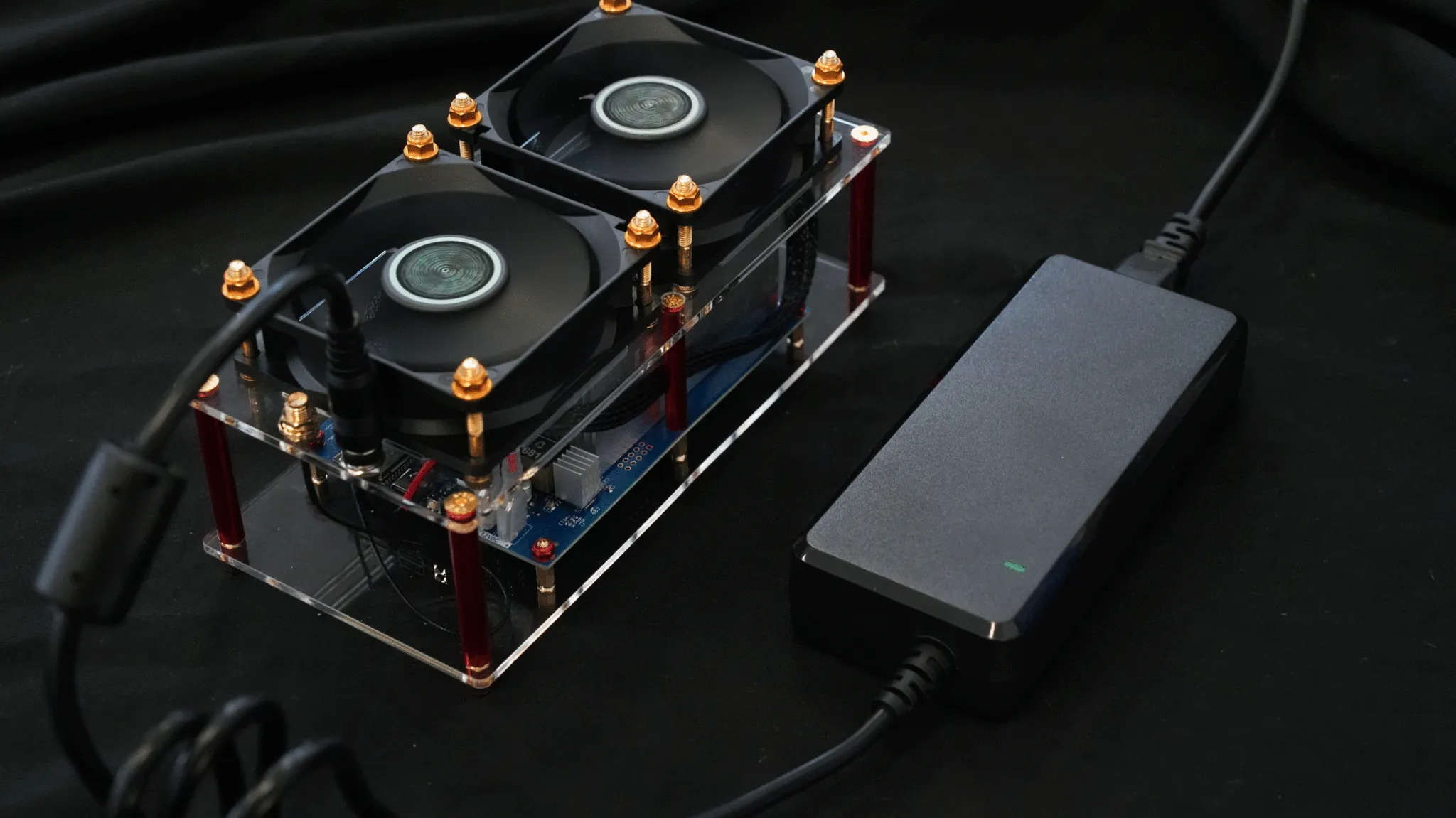
An overload is a direct manifestation of voltage drop. When the load exceeds the interface's limit, the voltage drops sharply. For example, a nominally 12V/10A barrel port might experience a sudden drop in output voltage below 10V when the load reaches 12A. This can cause the mining chip to malfunction and the hashrate to plummet.
🔥 Triple Overload Risk Detection:
-
Smell: Does the port smell like burning plastic? Immediately disconnect the power cord!
-
Temperature Measure: If the port feels hot to the touch (over 60°C) = Overload Warning
-
Performance Observation: Frequent restarts or unstable hashrate on a ? This could be a voltage drop.
Even more dangerous is contact overheating. For example, when an XT30 port is carrying an overload current, the contact temperature can soar from 25°C to 80°C in just 5 minutes, causing the plastic casing to deform.
| Error Case | Interface Type | Rated Power | Overload | Consequences |
|---|---|---|---|---|
| Bitaxe Hex Overclocking | Barrel (12V) | 120W | Continuous 150W Operation | Interface Melted, Motherboard Power Supply Burned |
| Zyber 8S Parallel Connection | XT30 | 180W | Connecting to a 200W Load | Power Supply Protection Trips, Miner Frequent Restarts |
| Multiple Devices in Series | XT60 | 240W | Connecting Two Zyber 8S Units Simultaneously | Interface Overheating and Oxidation, Increased Contact Resistance |
Why Safe Certifications Matter ✅
Certification marks aren't just decorative stickers; they're your "legal amulet" for electrical safety!
Uncertified power supplies = ticking time bombs.
For example, if you buy a cheap power supply without safety certifications like UL/CE, it might use low-quality capacitors and lack protection circuitry. Once connected and used, your mining rig could be destroyed at best, or even cause a fire.
✅ Three steps to verify authenticity:
-
Check the logo: A genuine UL logo has a clear edge and a control number (e.g., E123456) next to it. This can be verified on the official website. Fake logos are often blurred.
-
Feel the material: A certified power supply's casing is made of flame-retardant material (e.g., 94V-0 grade) that will self-extinguish within 3 seconds when heated by a lighter. Counterfeit products use ordinary plastic and catch fire easily.
-
Listen for noise: A certified will only make fan noise when running at full load; counterfeit products will make a high-frequency buzzing sound (due to a loose transformer core).
| Certification Mark | Meaning | Scope of Protection |
|---|---|---|
| UL Listed | Underwriters Laboratories Safety Certification | Fireproof, electric shockproof, overheatingproof |
| CE | European Safety Conformity Mark | Electromagnetic Compatibility and Low Voltage Directive |
| FCC Class B | Federal Communications Commission Certification | Electromagnetic Radiation Does Not Interfere with Home Appliances |
| No Certification... | Unknown Risk | No Guarantee |
According to a 2024 report by the Electrical Safety Foundation (ESFI), the annual failure rate for UL-certified power supplies is 0.02%, while the failure rate for uncertified power supplies is as high as 8.5%.