购物车

您的购物车目前是空的。

前去购物
1 / 7

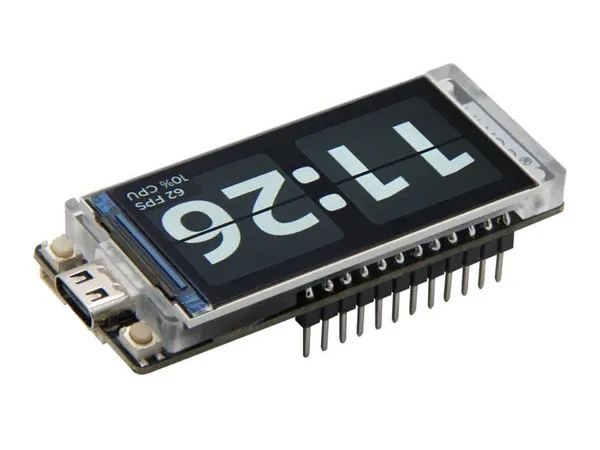
LilyGo T-Display S3 Replacement Screen

$14.99 USD $19.99 USD 优惠 $5.00 USD
结账时计算运费
数量
有货
"Genuine Screen, Bitcoin Mining Vision!"

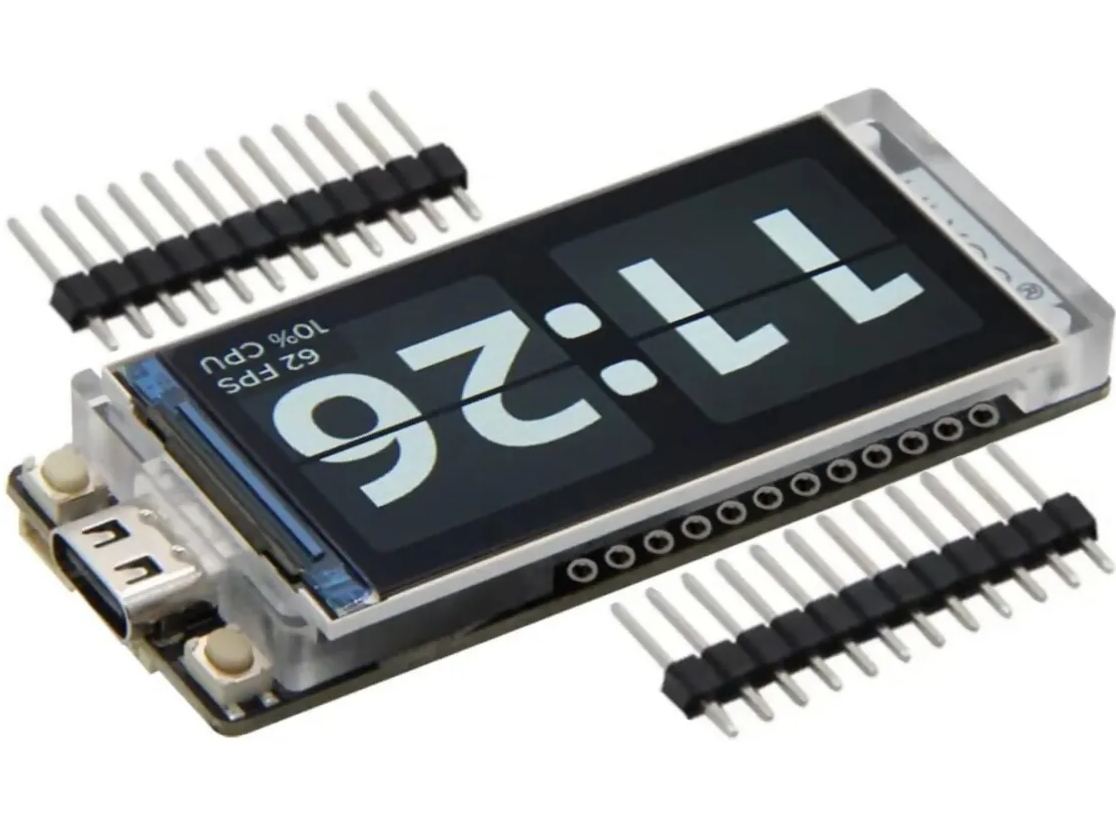
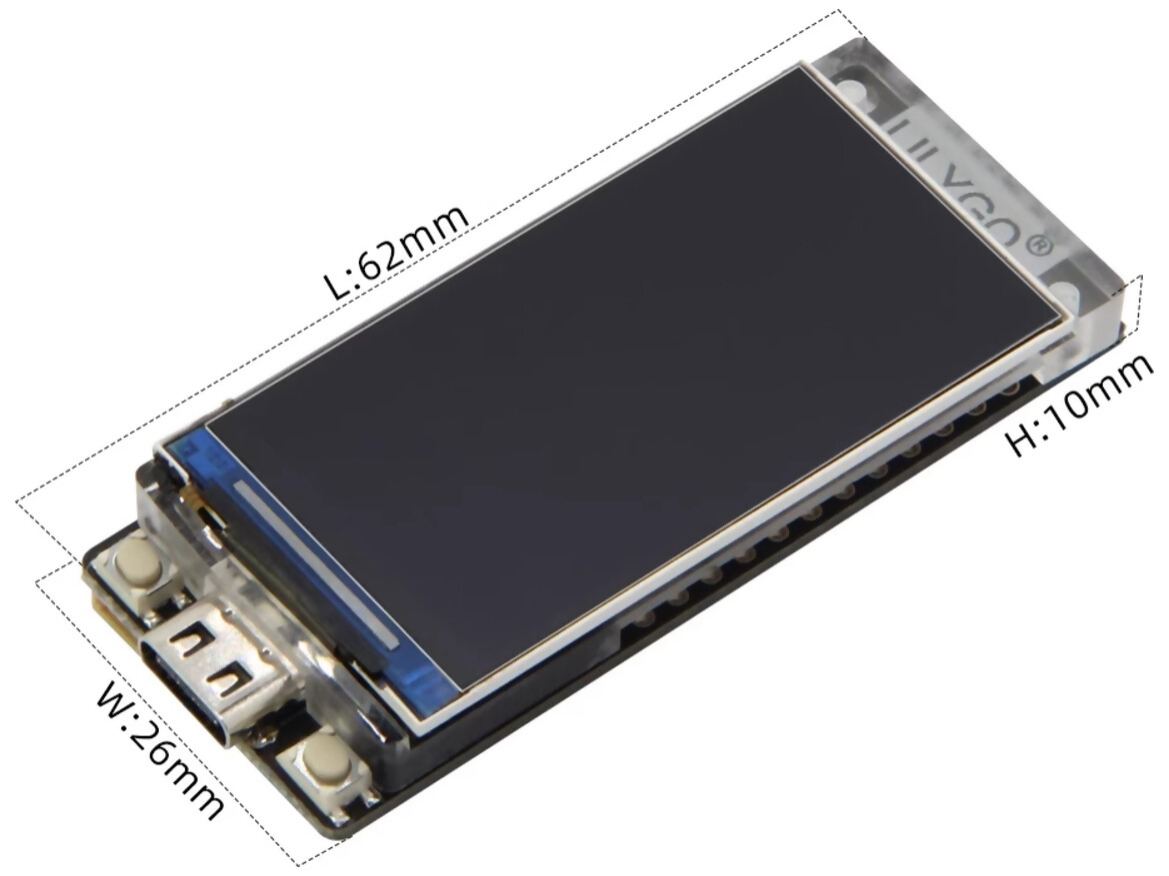
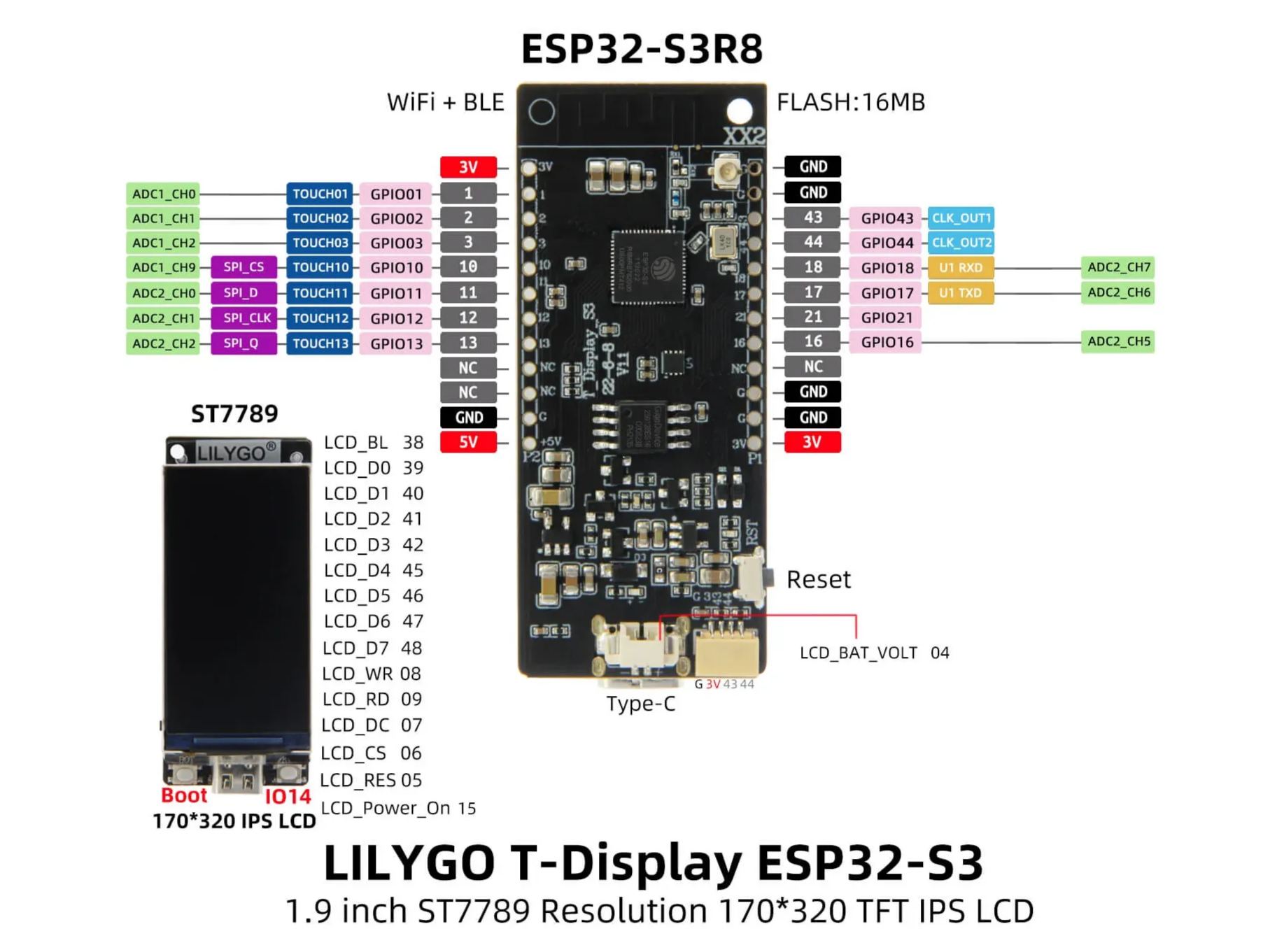
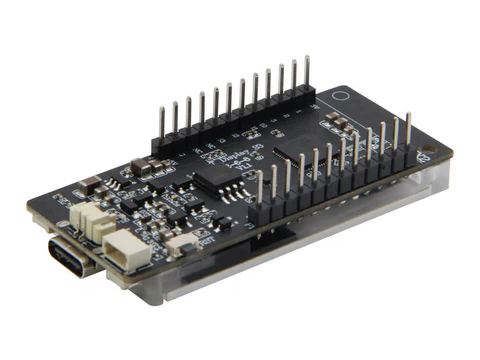
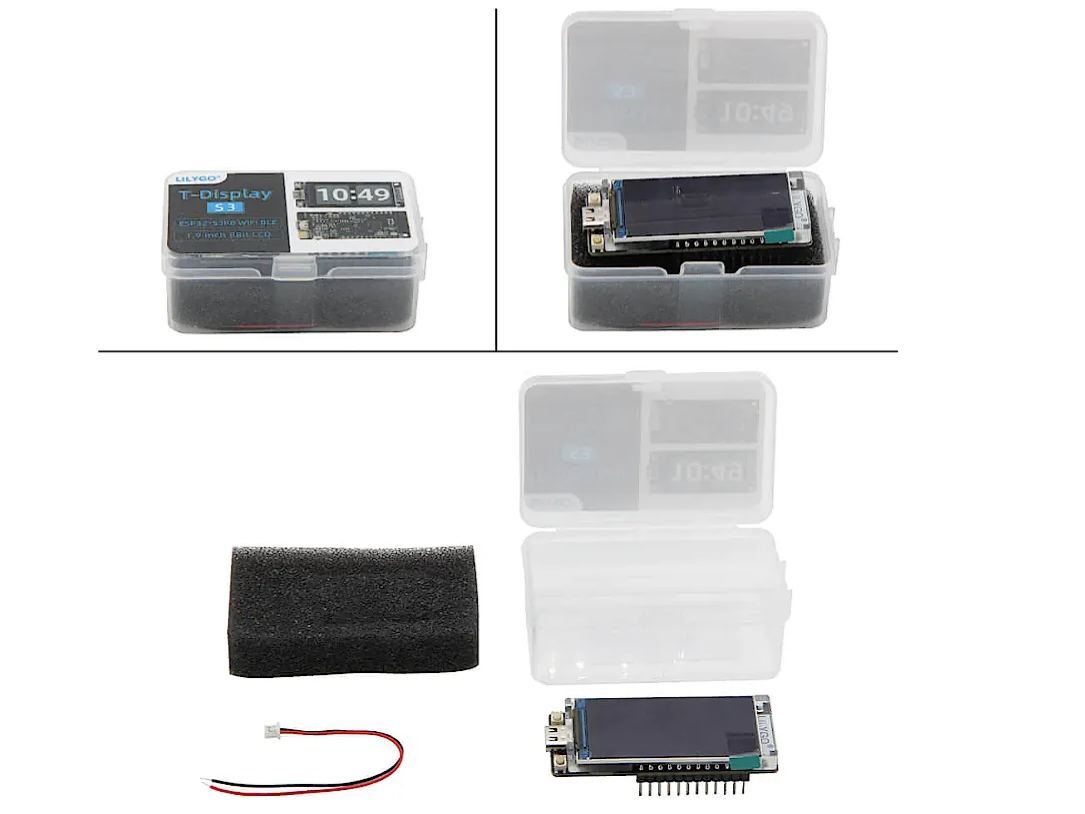
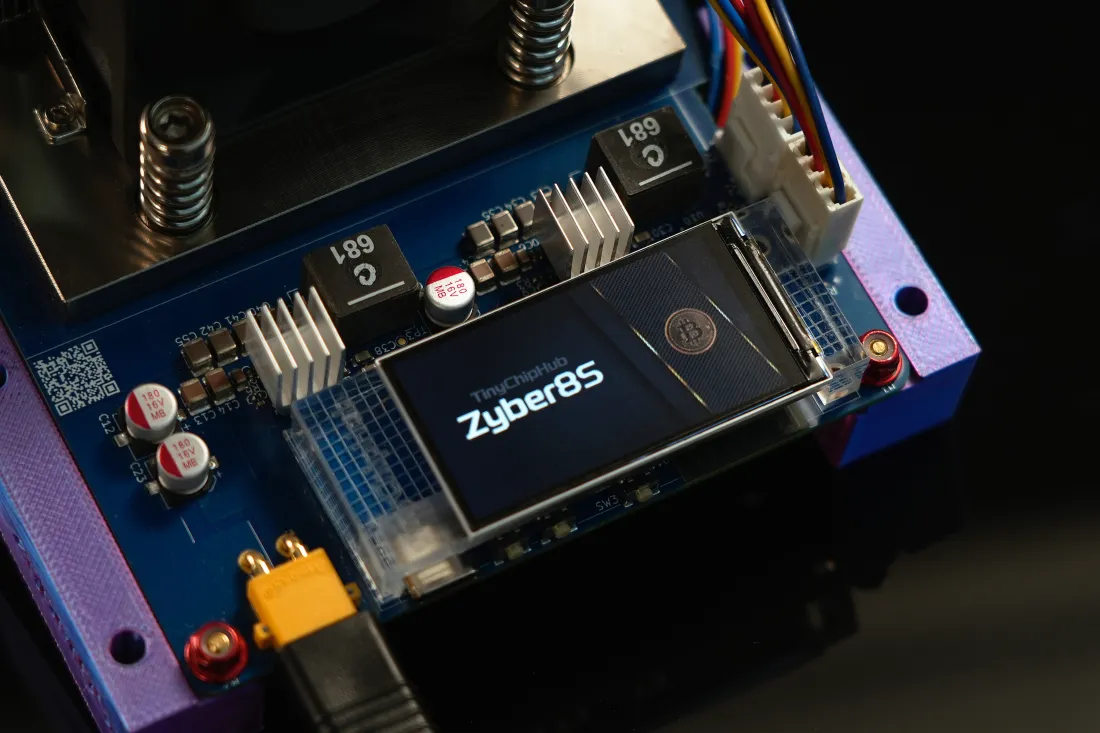
The LilyGo T-Display S3 (H577) is a 1.9" ESP32-S3 full-color LCD display module with pre-soldered header pins, serving as the OEM original screen for series such as the NerdQaxe++ Remastered Edition. It features a Sitronix ST7789V driver chip, 16MB Flash, and 8MB PSRAM, simply flash the firmware and it's ready to go.

 Key Features

  • Plug & Play: Pre-soldered 2.54mm pin header, mount it and use it immediately. Highly recommended to keep one as a hot spare if you run multiple miners.
  • Premium Display Specs: 1.9" full-color IPS LCD, 170×320 pixels, ST7789V driver, with backlight control — decent and stable visual output.
  • ESP32‑S3 Development Board: ESP32‑S3R8 (up to 240MHz) + 16MB Flash + 8MB PSRAM, compatible with Arduino / MicroPython / ESP‑IDF / PlatformIO projects.
  • Hassle-Free Flashing: Supports the official web-based flashing tool (Chrome / Edge / Opera) — firmware swapped in minutes.
  • Expansion-Friendly: Reserved I²C-type interface (STEMMA QT / Qwiic compatible), plus onboard charging management for a 3.7V LiPo battery — convenient for future mods and hardware expansions.
  • Authenticity Guaranteed: Factory-direct from LilyGo — genuine OEM replacement for the stock OLED screen.

2-Minute Quick Flash / Upgrade Guide

The screen leaves the LilyGo factory blank. The entire flashing process runs right inside your web browser:

  1. Connect the screen to your PC using a USB-C data cable. A charge-only cable will not work.
  2. Open Chrome, Edge, or Opera. Firefox and Safari do not support the Web Serial API and cannot flash ESP32-S3 boards.
  3. Put the board into Download Mode: press and hold the BOOT button, briefly press and release the RESET button, then release the BOOT button. The board will re-enumerate over USB as a serial device and become flashable.
  4. Launch the official web flasher to get your firmware: shufps.github.io/nerdqaxe-web-flasher — this one is for NerdQaxe.
  5. Click "Connect", select the LilyGo board, pick your firmware version, then click "Install".
  6. Unplug the screen, plug it into the miner's USB-C cable, and the dashboard will take over automatically.

The browser-based flasher is intended for first-time flashing, recovery from a bricked state, or switching firmware versions only.

Compatible Use Cases

Works as a physical drop-in replacement (cracked screen, damaged USB‑C port, etc.) for all Bitcoin miners that use the LilyGo T-Display S3 H577 as their front-panel display, including:

  • Most Nerdaxe and NerdQaxe series miners;
  • The entire Hammer miner family;
  • Other open-source ESP32-S3 miners that adopt the H577 form factor;

Package Contents

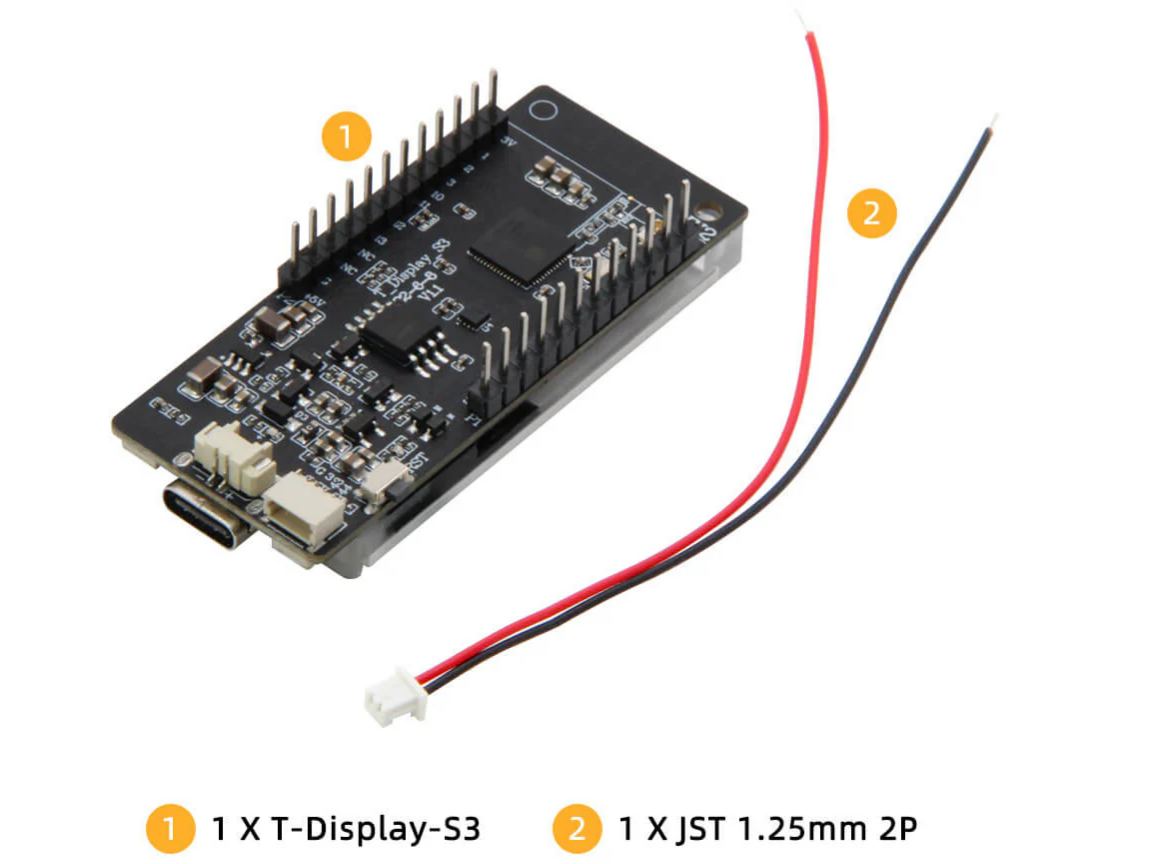
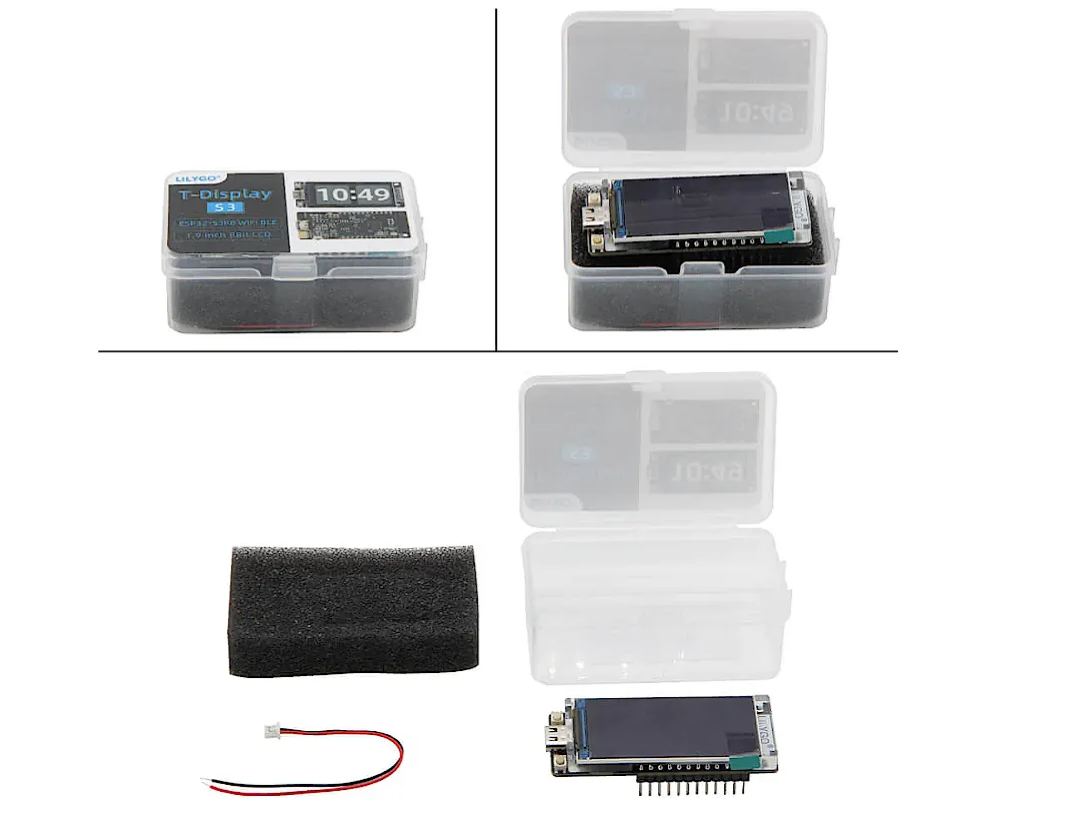
  • 1 × OEM LilyGo T-Display S3 (H577, pins pre-soldered) — factory-blank display
  • 1 × JST 1.25mm 2P connector
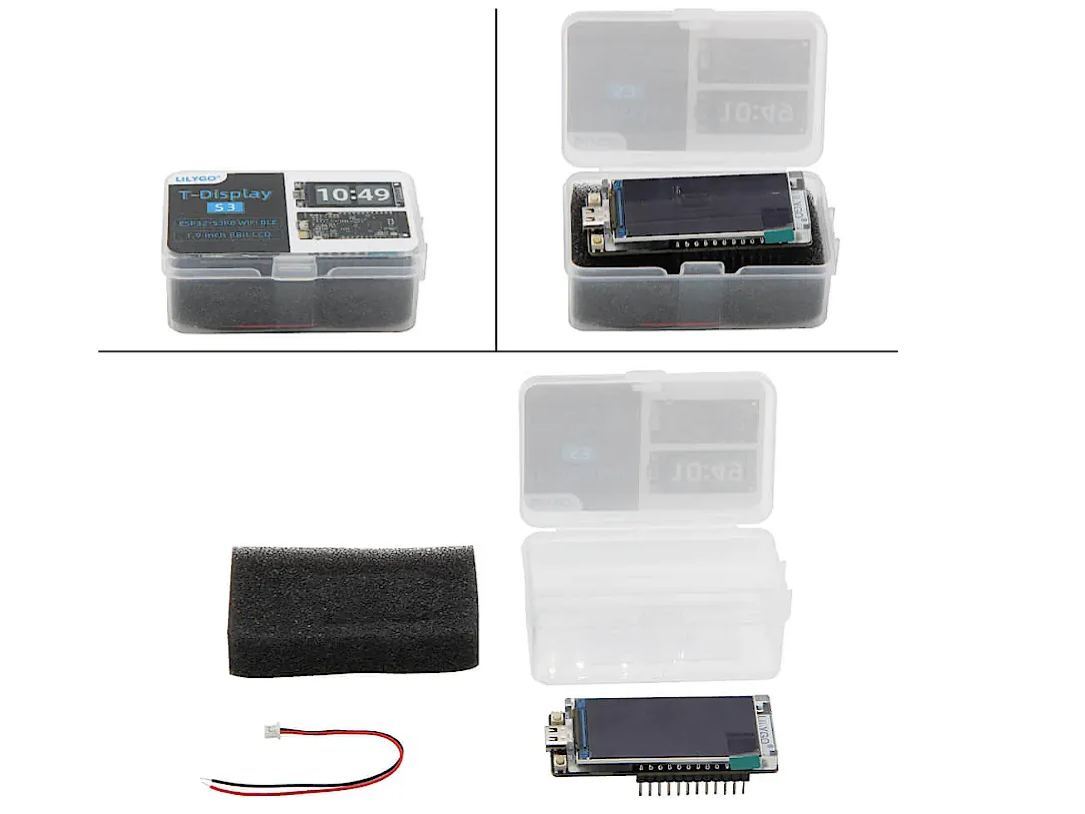
  • Anti-static packaging

No USB-C cable is included in the package. The original cable from your miner can be reused for installation, and any standard USB-C cable works for the initial browser-based setup.

Fast delivery
7 day refund guarantee
Worry free guarantee
Fast customer support
LilyGo T-Display S3 Replacement Screen-TinyChipHub Limited LilyGo T-Display S3 Replacement Screen-TinyChipHub Limited LilyGo T-Display S3 Replacement Screen-TinyChipHub Limited LilyGo T-Display S3 Replacement Screen-TinyChipHub Limited LilyGo T-Display S3 Replacement Screen-TinyChipHub Limited LilyGo T-Display S3 Replacement Screen-TinyChipHub Limited LilyGo T-Display S3 Replacement Screen-TinyChipHub Limited

You may also like